
Description
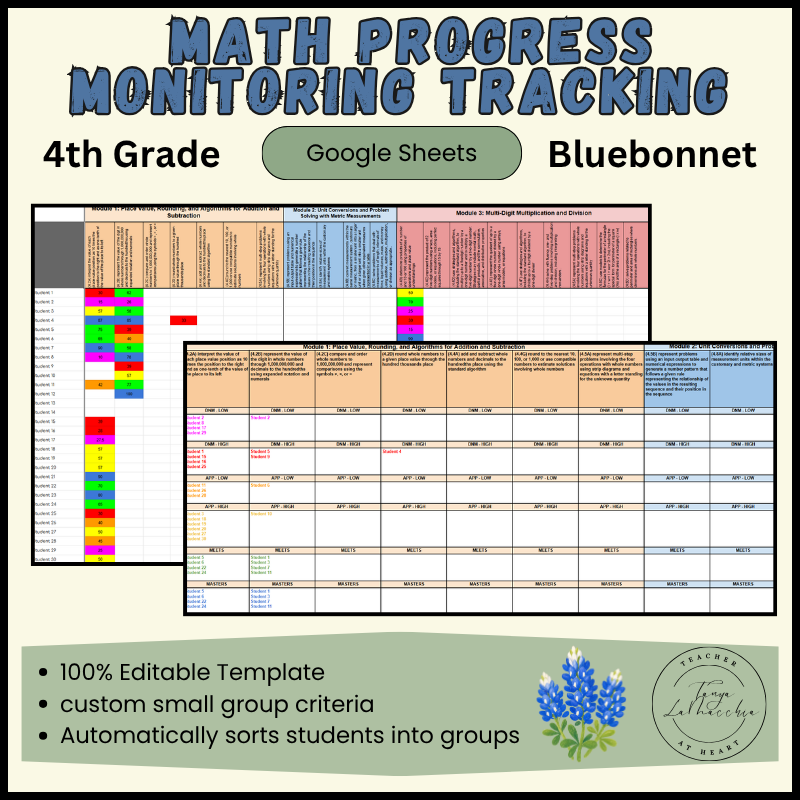
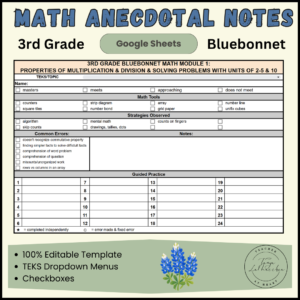
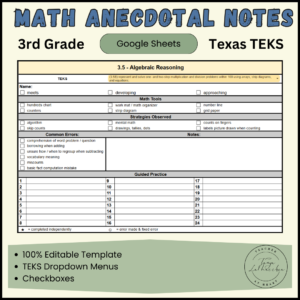
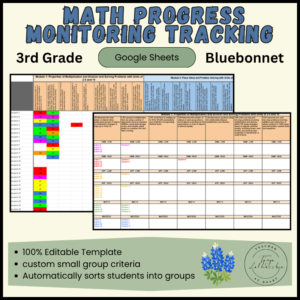
Stop spending hours sorting student scores! This 4th grade progress monitoring tracking sheet sorts your student Math data automatically into 6 small groups for intervention! It will free up tons of your time! This fully editable Google Spreadsheet is aligned with Texas TEKS and Bluebonnet Learning.
You can customize the progress level names and criteria for each level. It will sort your students automatically once you enter the data. Then use the “small group lesson planning” tab to quickly create your small group lesson plans for the week.
7 Modules Included:
- Module 1: Place Value, Rounding, and Algorithms for Addition and Subtraction
- Module 2: Unit Conversions and Problem Solving with Metric Measurements
- Module 3: Multi-Digit Multiplication and Division
- Module 4: Angle Measure and Plane Figures
- Module 5: Fraction Equivalence, Ordering, and Operations
- Module 6: Introduction to Decimals and Financial Literacy
- Module 7: Exploring Measurement with Multiplication and Data
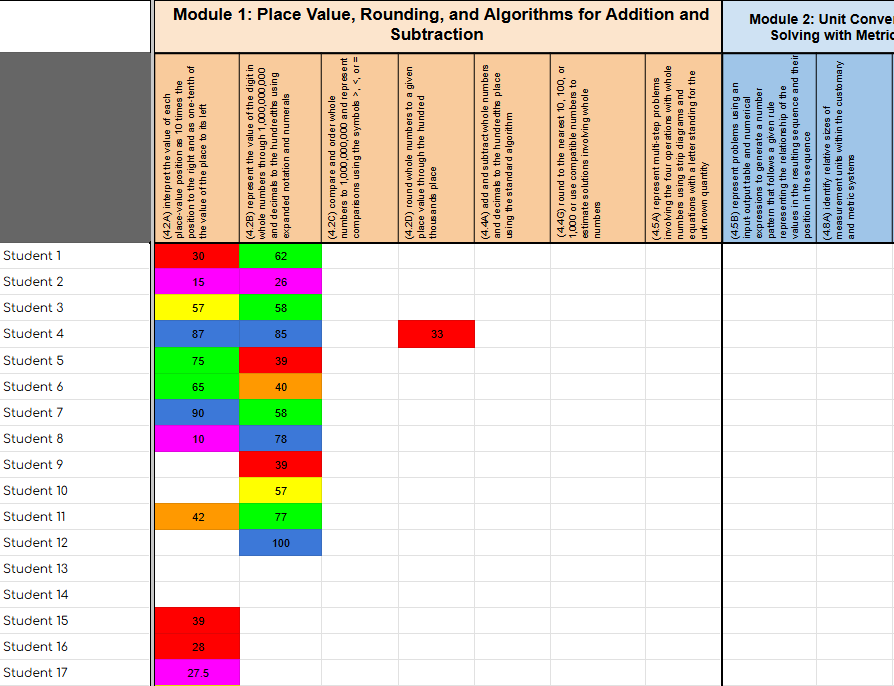
Class Roster & Assessment Data Tab
Add student names. Enter the student score (percent) under each standard. You can get this data from any formal or informal assessments. This can be updated after you have practiced in small group, or have given additional assessments. Once you have entered the data you have, click on the “Bluebonnet Small Group Data” tab
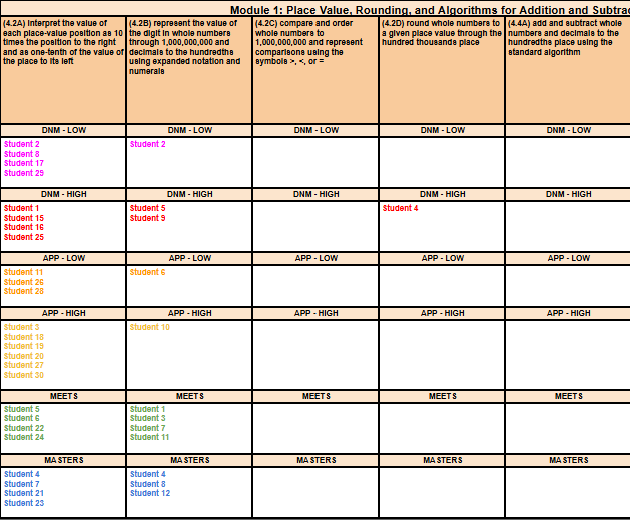
Small Group Data Tab
You will not do any typing on this page. Student names will appear after you have entered student data. They will be grouped based on the progress levels you assigned on the “Score Criteria” tab. Use this information to create your weekly small group lesson plans.
Weekly Small Group Lesson Plans Tab
Type the times for each small group. Use the dropdowns to insert which group you will be teaching each day and time. Add students for each group at the bottom. Use the drop down menu to choose the TEKS you will be practicing in each small group. You can duplicate the tab and rename for each week of the year.
Hide any tabs you are done using. You can always access them by clicking on the three horizontal lines in the bottom left corner.
If you cannot find what you are looking for, send me a message at tanya@teacheratheart.com, or fill out a request form https://teacheratheart.com/product-request/. I can create something for you.
Please be so kind as to leave a review. If I am missing something or made a mistake, I am more than happy to add, or fix it so you can download the updated version.
Reviews
There are no reviews yet.