
Description
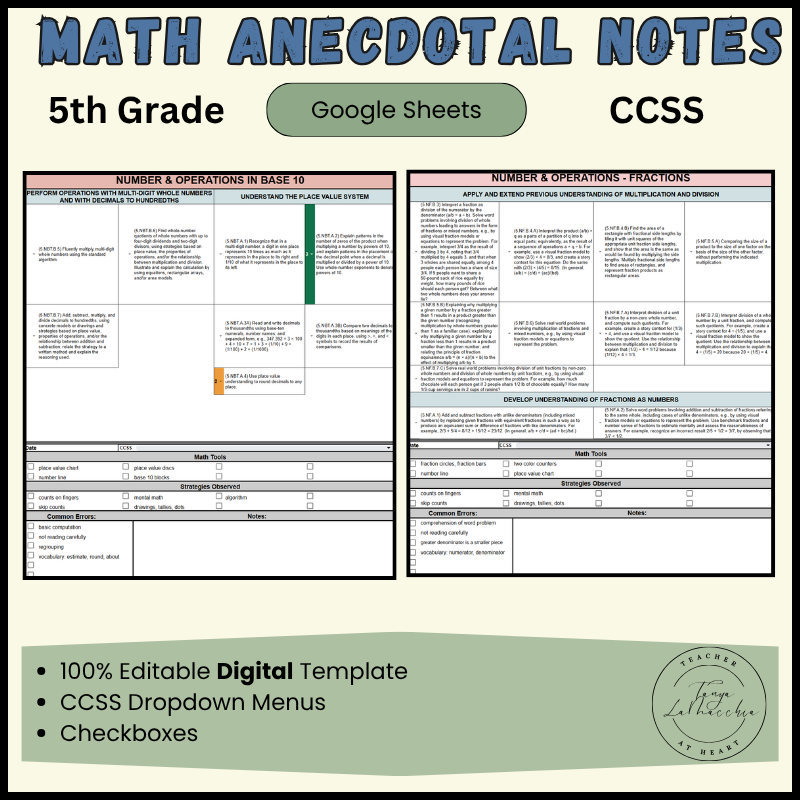
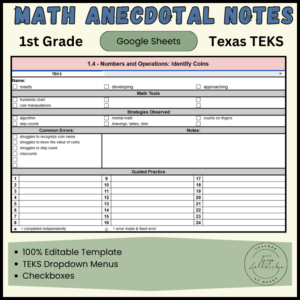
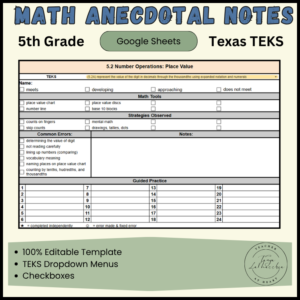
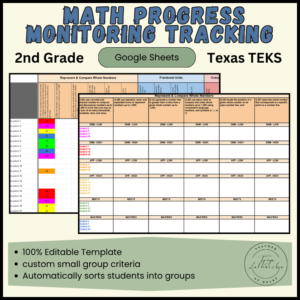
Go paperless with this digital Google Sheets Digital Math Anecdotal Notes template. Everything is simplified and organized for you. Whether you use a standards based grading system, or just want to be able to reference your notes easily, this resource is just what you need!
Teaching students in small groups allows you to notice the little things that students are confused about. The information you record in your notes from small groups can easily be referred to for parent/teacher conferences, RTI/MTSS documentation, report cards, accommodations, ARDS, and so much more!
Digital Math Anecdotal Notes Template Include:
- 5 CCSS 5th Grade strands:
- Operations & Algebraic Thinking
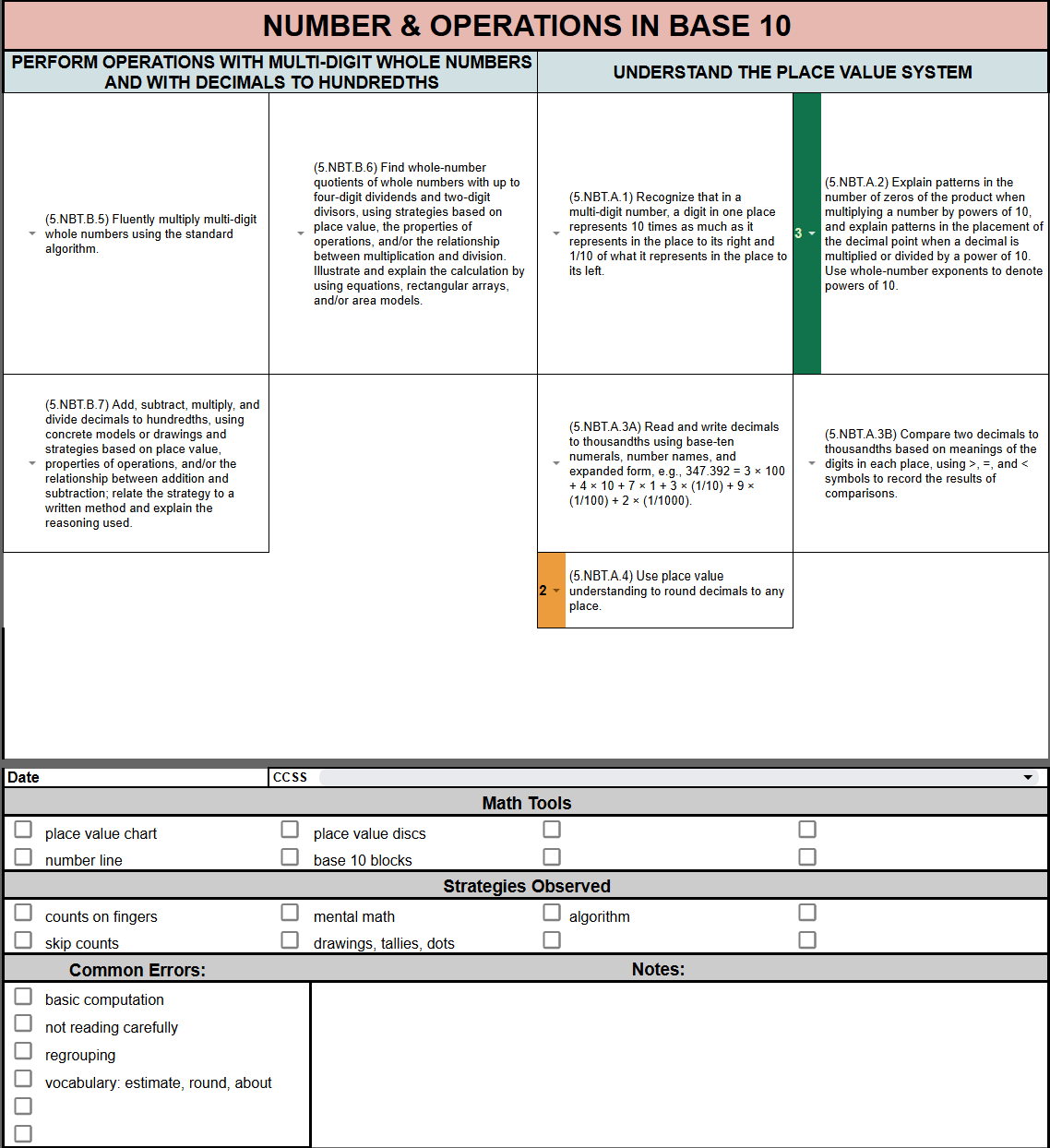
- Number & Operations in Base 10
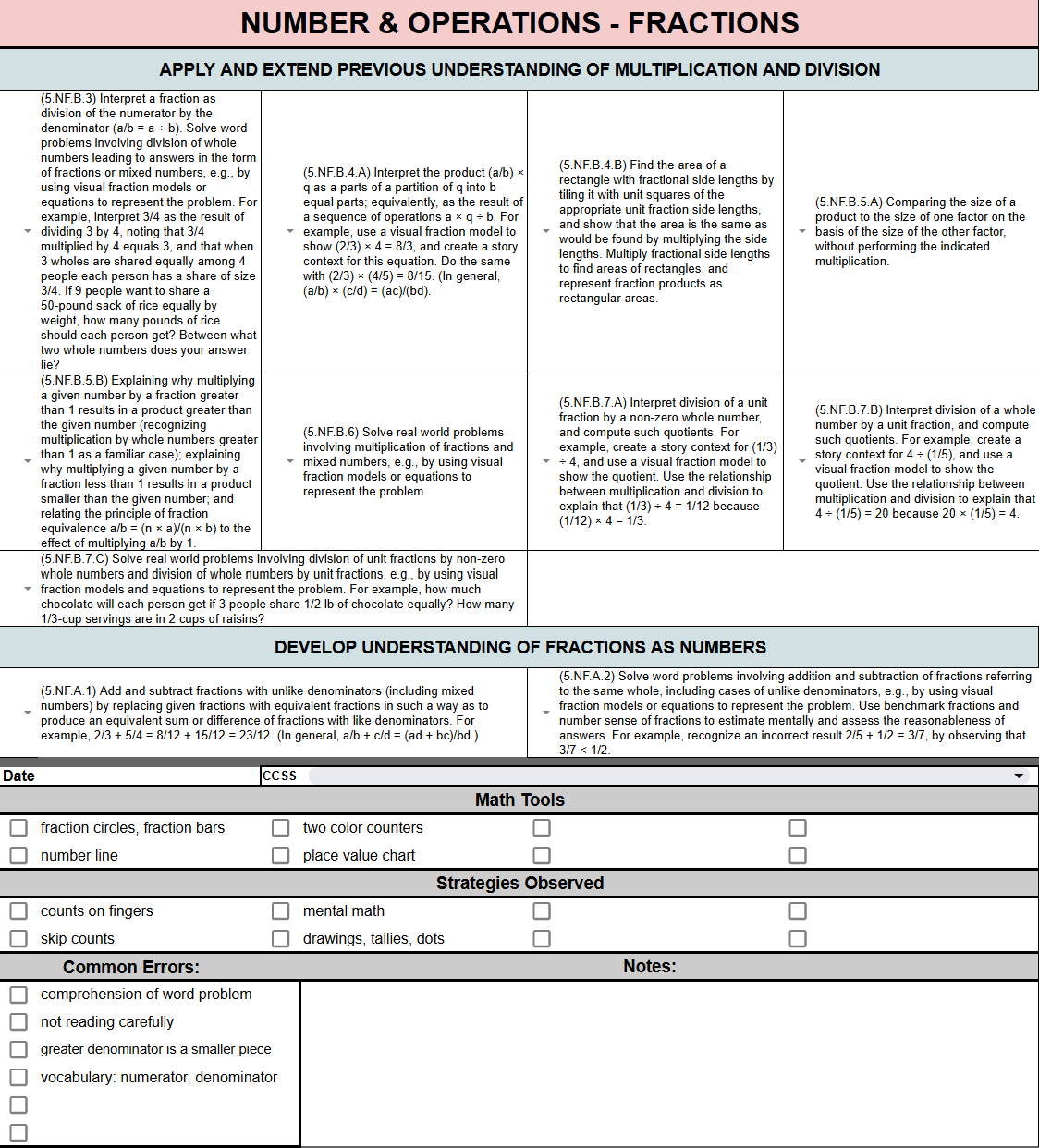
- Number & Operations – Fractions
- Measurement & Data
- Geometry
- Student Progress Drop-down Menus:
Use the drop-down menu next to the listed math CCSS to record student progress. The drop-downs are numbered 1, 2, 3, and 4. If you prefer to change the drop-downs, just click on the pencil at the bottom of the drop-down and change to align with your district standards based grading system, or whatever progress notes you are used to. If you change one, they will all be updated. As students improve, just change their progress in the drop-down menus.
- CCSS Drop down Menus:
Use the drop-down menu to choose the math skill (CCSS) that you are working on in a small group each time you meet.
- Strategy Check boxes:
Click on the check boxes next to any strategies you observe the student using.
- Observation Check boxes:
Click on the check boxes next to any observations you observe the student using.
- Common Error Check boxes:
Click on the check boxes next to any errors you observe the student making.
- “Date Picker” Calendar:
To add the date, just click twice in the cell and a calendar will appear. Simply
choose the date.
- Notes Section:
Type any notes and observations you wish to add.
Set up Students & Groups:
1. Duplicate the “4 Mastery Levels 5th Grade CCSS Master” tab for each student.
2. Right click to rename each tab with your students’ names.
3. Right click to color code each tab. Color each group of students the same color. When a student changes groups, just change the color and reorganize the tabs by dragging them with like colors.
Reviews
There are no reviews yet.