
Description
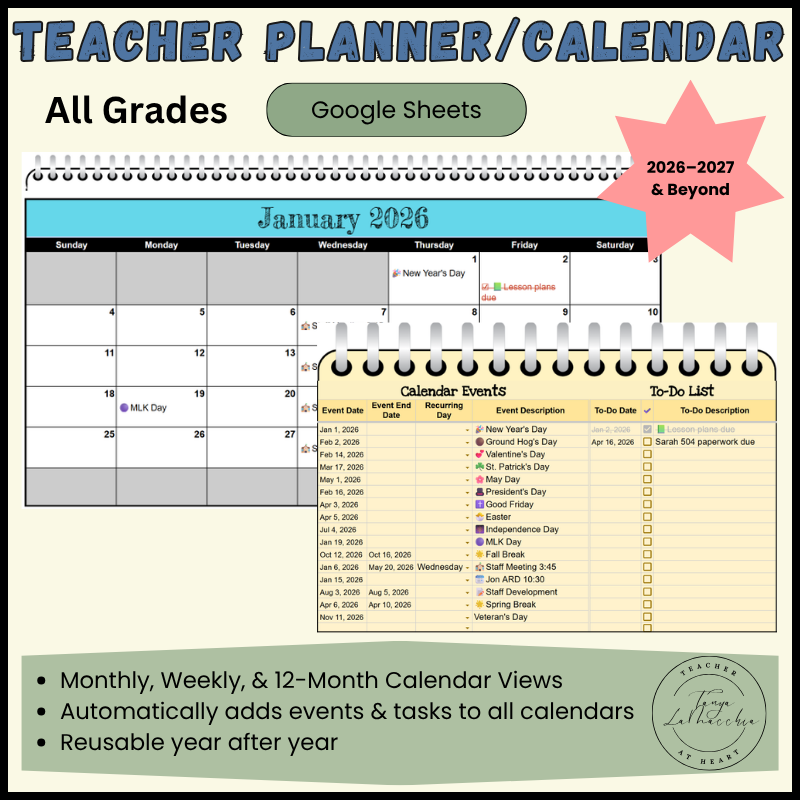
Stay organized with this Editable Teacher Planner & Calendar is Automated using Google Sheets. The Teacher Planner & Calendar is reusable year after year! Adding lessons, events and tasks is faster than using Google Calendar. The best part is you never have to buy a new calendar or wait for annual updates. The calendars update quickly with one simple double-click of the pop-up calendar.
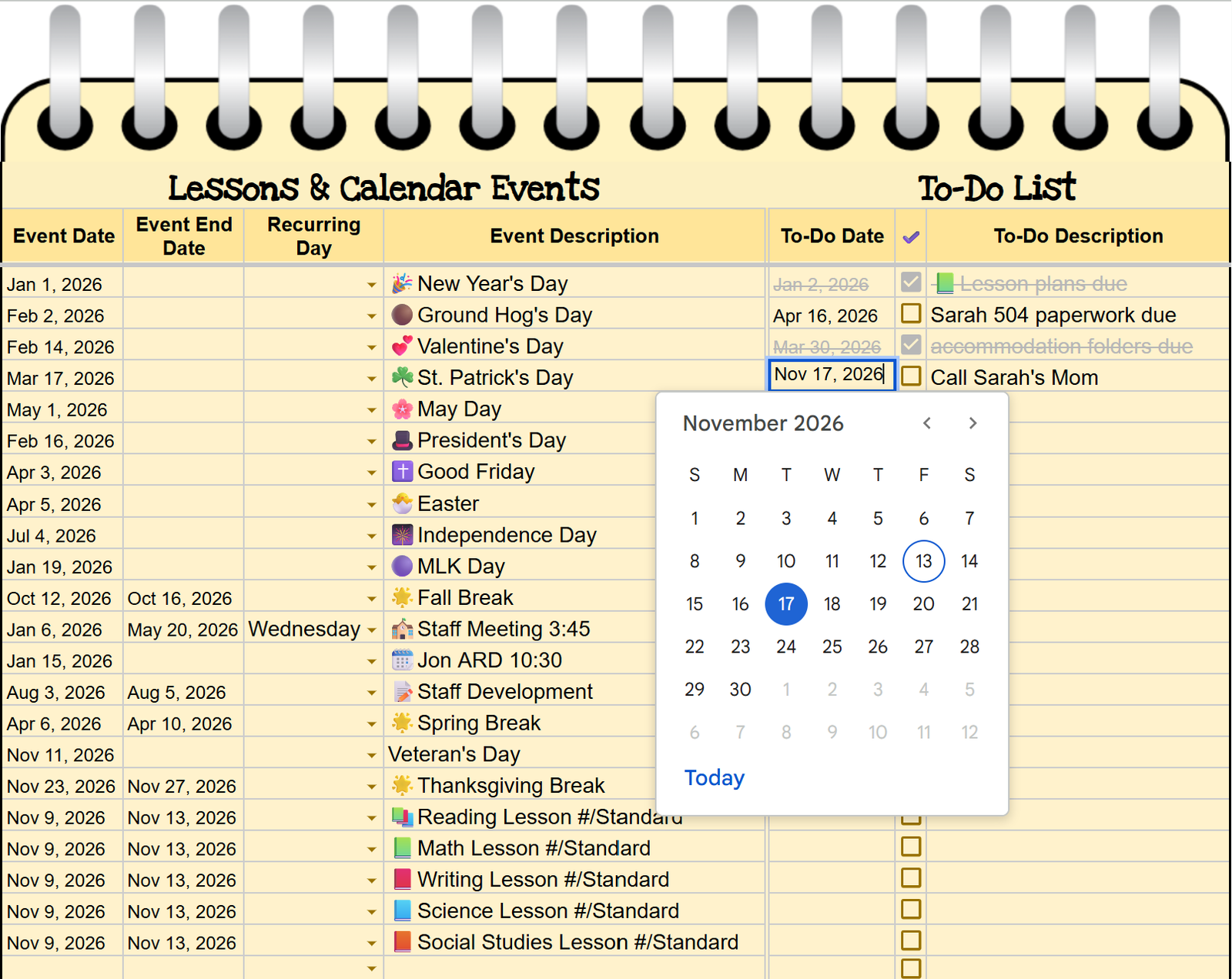
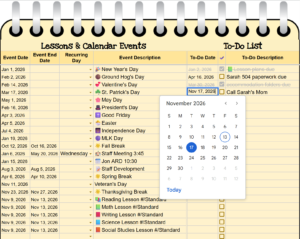
Lessons, Events & To-Do List:
- Automatic Syncing: The lessons, events & tasks you add here automatically appear on all of the calendars.
- Flexible Event Scheduling: Add single-day, multi-day, lessons & events, and recurring events.
- Smart Vacation & School Events Shortcuts: Use the 🌟 for vacation days and 📝 emojis on school events. They automatically pause your recurring meetings/events!
- Custom Emojis: Add emojis of your choice to the rest of the lessons, events and tasks.
- Interactive Task Check boxes: Add tasks that have a due date, or target completion date. Check completed tasks, they get crossed off automatically on the list and on the calendars.
Calendar Views (No typing Required!):
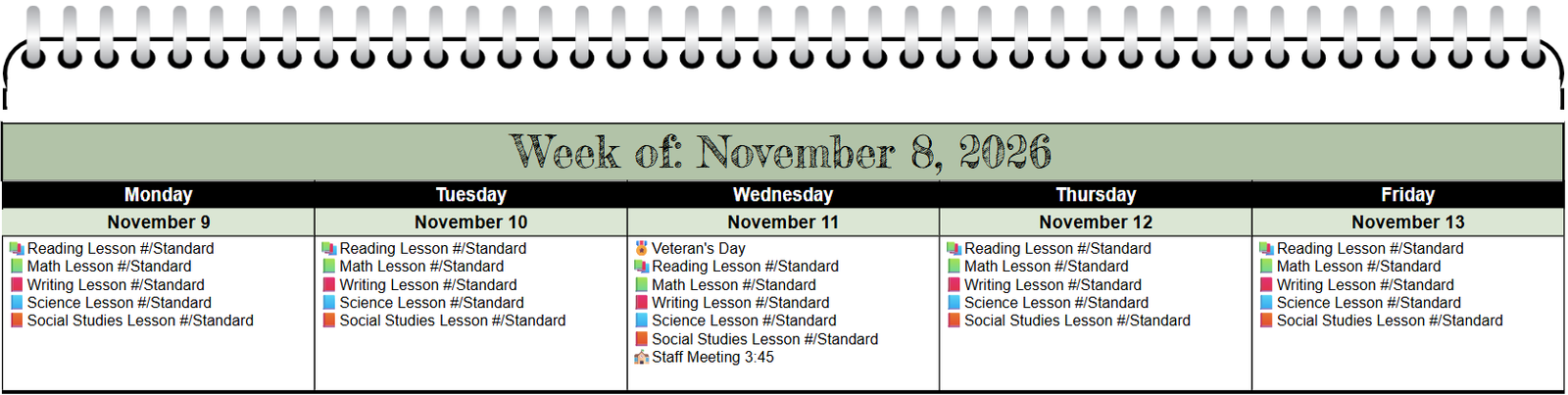
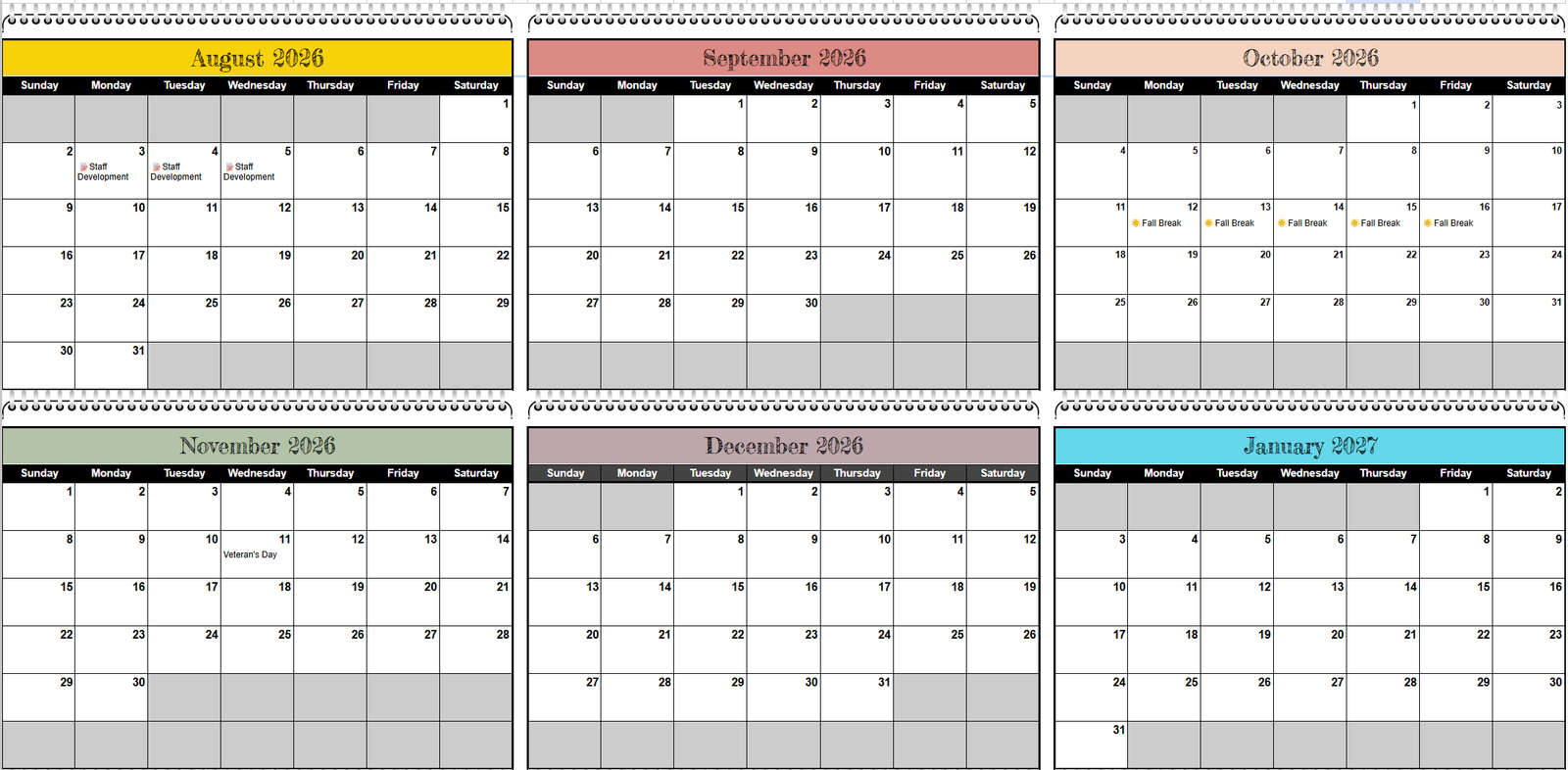
View all lessons, events and tasks you added on the Lessons, Events & To-Do List tab across three dynamic layouts:
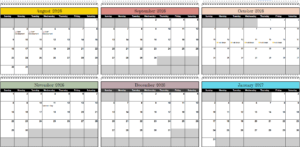
- 12 Month View – Use the pop-up calendar to change the order or year.
- Monthly View – Use the pop-up calendar to change the month you want to view.
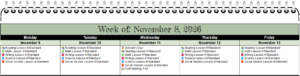
- Weekly View – Use the pop-up calendar to change the week you want to view.
- COMES IN BOTH FULL 7 DAY WEEK AND 5 DAY SCHOOL WEEK VIEWS.
⚠️A Quick Note on “Heads Up!” Warning Pop-Ups
- The calendar grids are powered by custom formulas. If you accidentally click and type inside a calendar square, Google Sheets will show a “Heads up! You’re trying to edit part of this sheet that shouldn’t be changed” warning. Simply click Cancel so you don’t overwrite a formula! Always add or edit your events on the Lessons, Events & To-Do List tab.
- Cell B2 or C2 on the calendar tabs are not protected. Use the Pop-up Calendar to easily change the year, month, or week.
Customize Your Tabs:, To “hide” tabs you are not using, right click the tab and choose “hide sheet”. Access all tabs (both hidden and non-hidden by clicking on the three horizontal bars in the bottom left corner.
📌 Please Note: This is Editable Teacher Planner & and Calendar is a digital Google Sheets™ template. A free Google™ account is required to access and copy the file.
If you cannot find what you are looking for, fill out a request form on my website (www.teacheratheart.com). I would love to create something for you!
Reviews
There are no reviews yet.