
Description
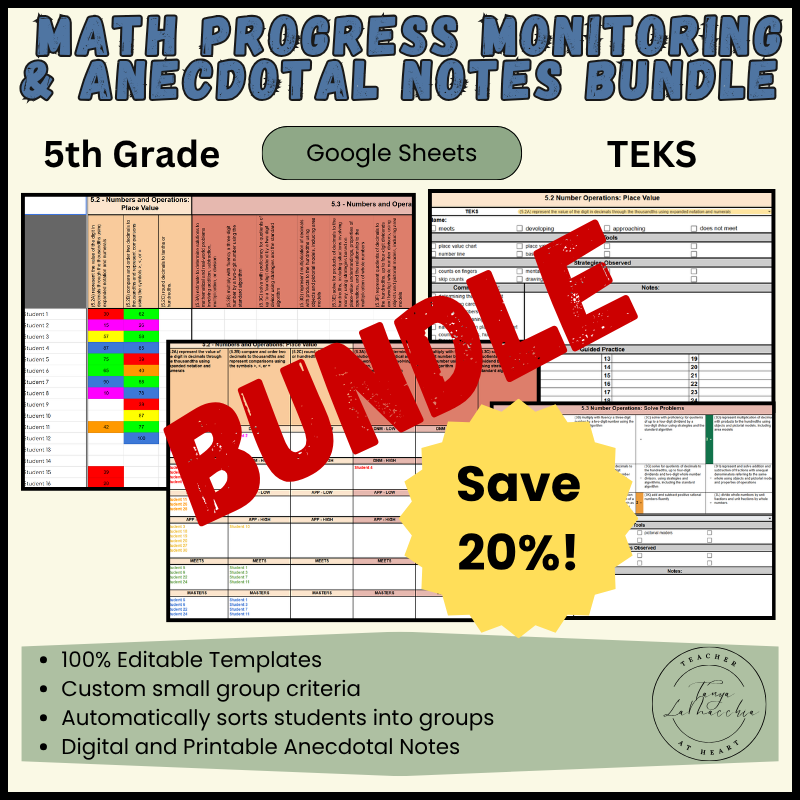
Streamline your data collection with this ultimate 5th grade Texas State Standards (TEKS) Math progress monitoring & Anecdotal Notes Bundle! This 3-product bundle includes an automated data tracking spreadsheet that instantly groups your students, alongside both printable and digital editable anecdotal notes templates. Perfect for small group instruction, math intervention, and effortlessly organizing your student data!
Teaching students in small groups allows you to notice the little things that students are confused about. The information you record in your notes from small groups can easily be referred to for guiding future instruction, parent/teacher conferences, RTI/MTSS documentation, report cards, accommodations, ARDS, and so much more!
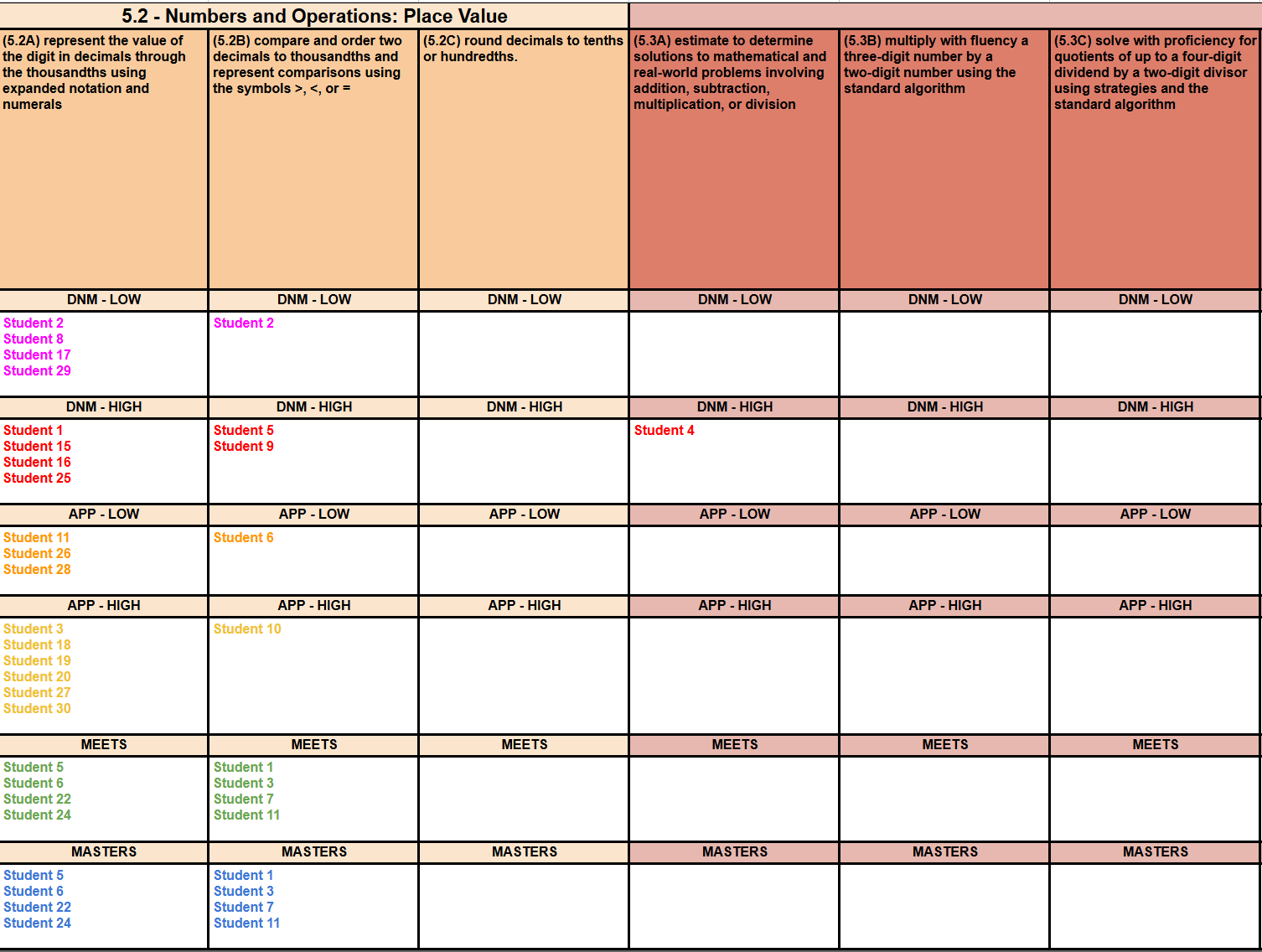
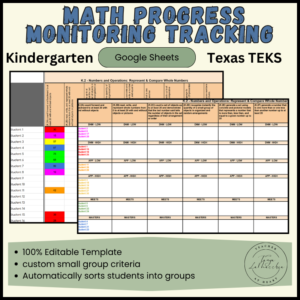
Save time organizing your student Math data and planning your small groups! This Google Sheet Small group Math planning and data spreadsheet will sort your students automatically once you enter the data. Then use the “small group lesson planning” tab to quickly create your small group lesson plans for the week.
Math Progress Monitoring & Anecdotal Notes Bundle Includes 9 TEKS 5th Grade strands:
Place Value
Solve Problems
Algebraic Reasoning
Geometry & Measurement: Classify Two Dimensional Figures
Geometry & Measurement: Volume
Geometry & Measurement: Problem Solving
Geometry & Measurement: Coordinate Plane
Data Analysis
Personal Financial Literacy
The 5th Grade Progress Monitoring Tracking Includes:
Score Criteria:
Adjust the names of the Progress Levels here. They will update on the “Percent Small Group Data” tab. You can also customize the score range for each group to meet the expectations of your school or district.
Percent Class Roster & Data:
Add student names. Use the drop-down under each CCSS to choose the progress level of each student. (“Masters”, “Meets”, “Approaching”, or “Does not Meet”). You can get this data from any formal or informal assessments. This can be updated after you have practiced in small group, or have given additional assessments. Once you have entered the data you have, click on the “percent small group data” tab.
Percent Small Group Data:
You will not do any typing on this page. Student names will appear after you have entered student data. They will be grouped based on the progress level criteria you set on the score criteria tab. Use this information create your weekly small group lesson plans.
Weekly Small Group Lesson Plans:
Add the times for each small group. Use the drop-downs to insert which group you will be teaching each day and time. Add students for each group at the bottom. Use the drop down menu to choose the TEKS math skill you will be practicing in small group. You can duplicate the tab and rename for each week of the year.
You can “hide” any tabs you are not using by right clicking the tab and choose “hide sheet”. You can access all tabs (even if they are hidden) by clicking on the three horizontal bars in the bottom left.
The Digital Math Anecdotal Notes Include:
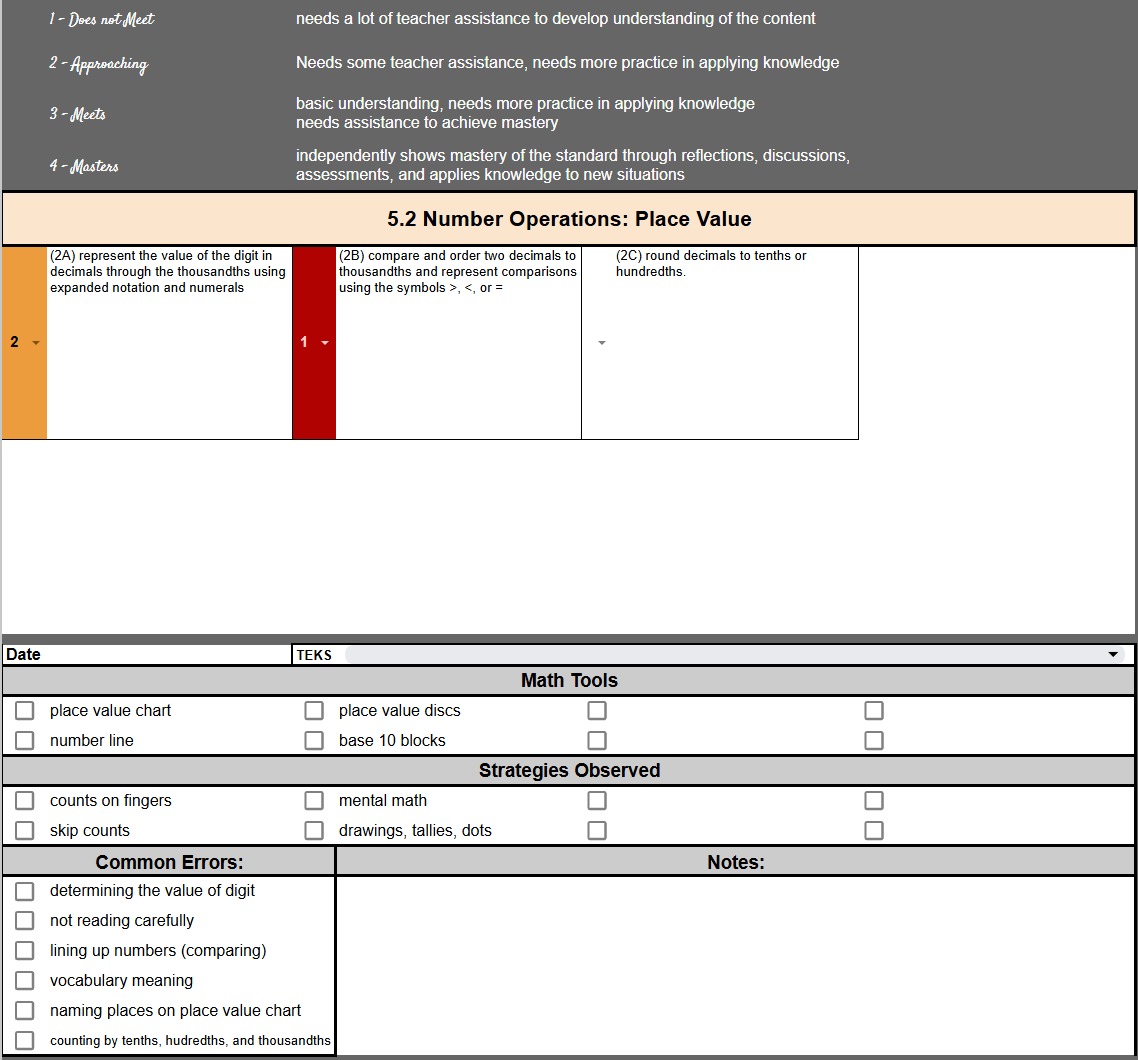
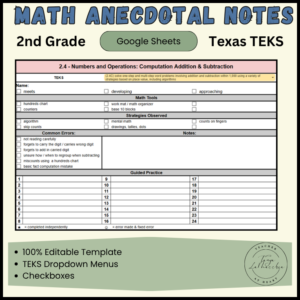
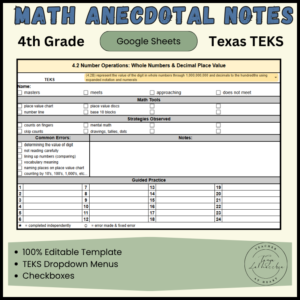
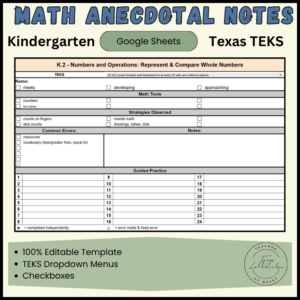
There are three versions. One is more general and is intended to add information after each time you meet using the drop-downs, check boxes, and type any additional notes. The “updated” version is more specific. It has math tools and strategy check boxes. It is intended to use a different note section for each new TEKS you teach. The third version has 4 mastery levels. Continue adding notes until you finish teaching that standard.
Duplicate the tab of the version you prefer to use. Right click and rename the tab for each student. Color code the student tabs by group the groups they are in by right clicking the tab and choosing “change color”.
The Printable Math anecdotal notes include:
TEKS Drop down Menus:
Use the drop-down menu to choose the Math skill (TEKS) that you are working on in a small group each time you meet.
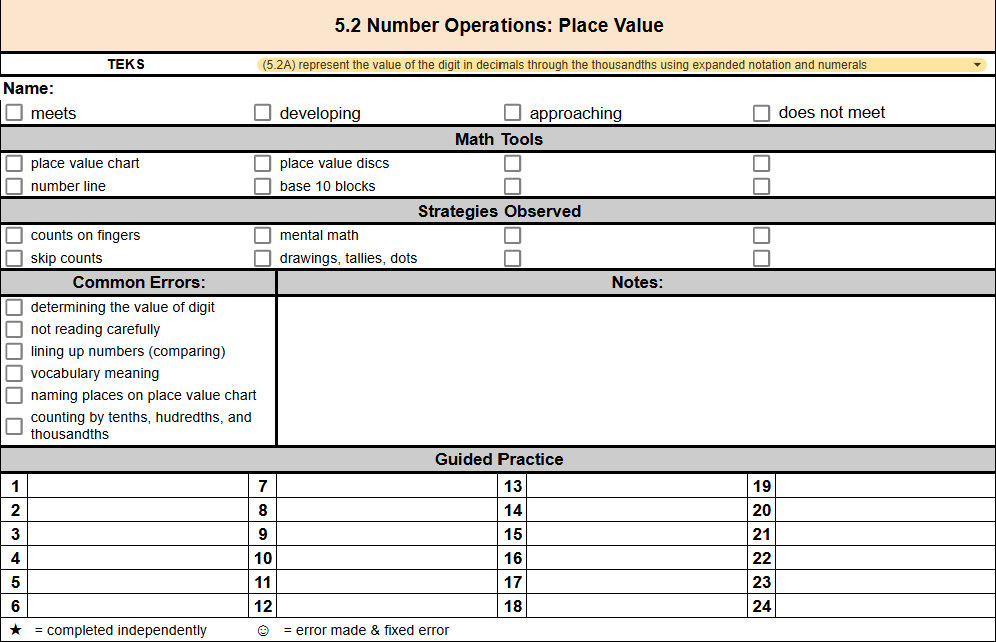
Strategy Check boxes Section:
Click on the check boxes next to any strategies you observe the student using. These are editable to customize to your classroom.
Common Errors Check Boxes Section:
Click on any check boxes next to any errors you observe the student making. These are editable to customize to your classroom.
Math Tools Check Boxes Section:
Click on any check boxes next to any math tools your students are using. These are editable to customize to your classroom.
Progress Level Section:
After you are done teaching each TEKS, check the progress level you feel the student is at. (does not meet, approaches, meets, or masters)
Notes Section:
Type any notes and observations you wish to add.
Guided Practice Section:
Keep track of how students do on each problem they complete.
Preparation:
- Use the drop-down menu to choose the focus TEKS you will be working on in your small group.
- Print enough for each student (There are two per page)
Use:
During your small group lesson, write down any notes that are important. Check any boxes next to any math tools, strategies you notice the student using, and any common errors students make.
The bottom section that is numbered 1-24 is for any guided practice students complete while in small groups. I like to use task cards when working with students in a small group. This way I don’t need to print a bunch of worksheets. The task cards can be used for multiple groups that are working on the same skill. It also prevents “wandering eyes” so you can see who is understanding and who is not. If a student completes a task card independently, I draw a star next to the task card number. If a student needs assistance, or made a mistake, I help them, record my observations and then draw a smiley face when it has been completed correctly.
When you are done practicing that skill (TEKS) check the student’s mastery level (masters, meets, approaches, or does not meet)
* I use the same page of notes until I am done working on that TEKS. Once done, check the appropriate progress level and keep for future reference. (additional small group practice, meetings, parent conferences, etc…)
Possible Organization:
Create four sections using files or a storage box: “Masters”, “Meets”, “Approaches”, and “Does not Meet”. File each student’s anecdotal notes paper clipped with other students who are at the same level for future instruction.
If you don’t want to keep all of the paper notes you take during small group, just add your notes to the digital version and keep them all in one place.
Reviews
There are no reviews yet.