
Description
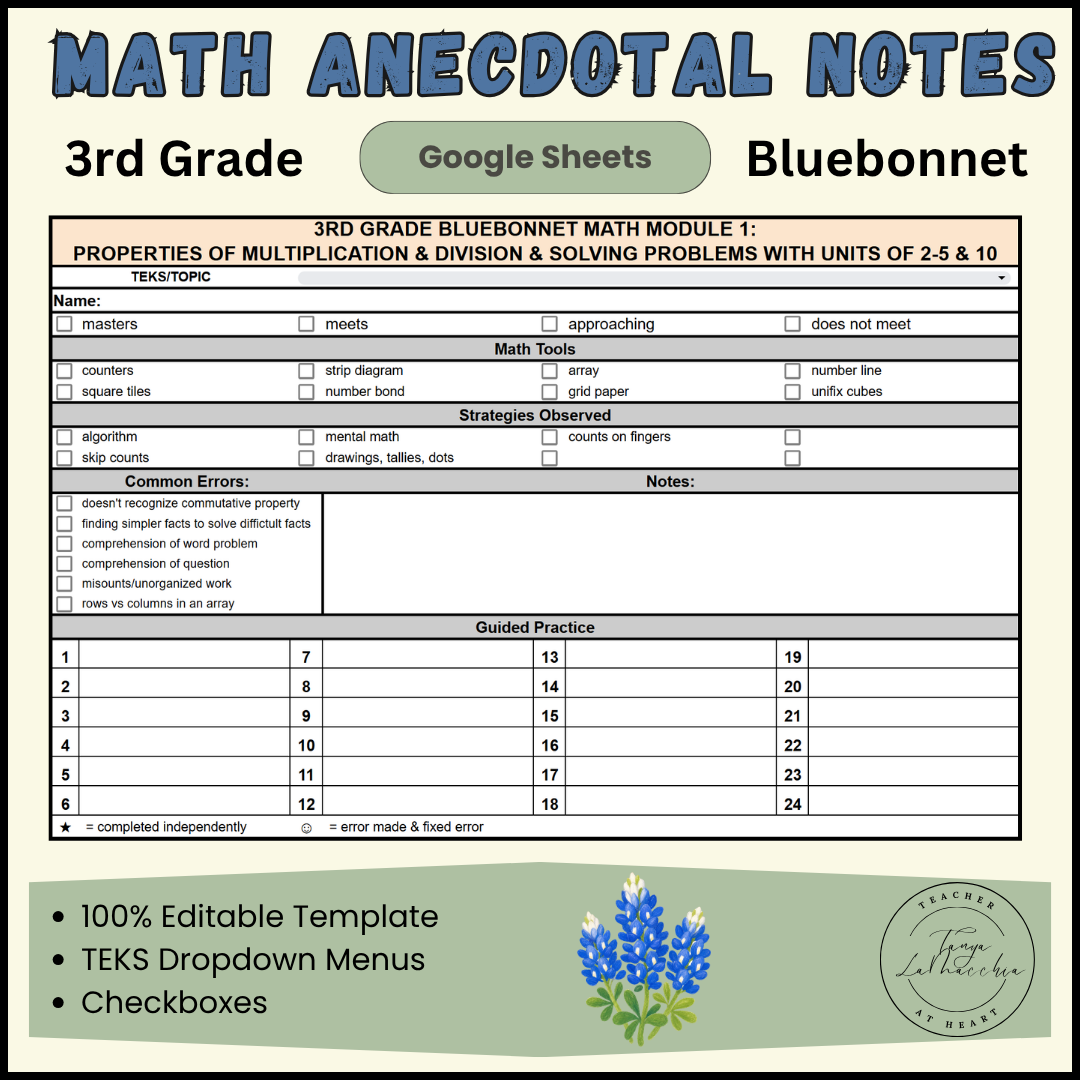
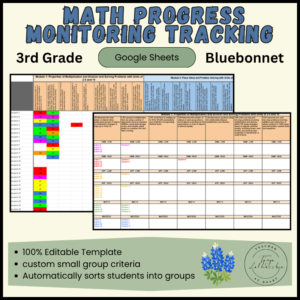
Stop drowning in messy sticky notes and disorganized scrap paper. Instead, streamline your small group data collection with this fully editable 3rd Grade Math Anecdotal Notes Template for Google Sheets. This digital teacher checklist features complete alignment with Texas TEKS and the Bluebonnet Learning curriculum. As a result, you will stay perfectly prepared for:
- Parent-teacher conferences
- MTSS/RTI documentation
- Report cards and ARD meetings
📊 Why Teachers Love This Math Anecdotal Notes Template
-
- Fully Editable Google Sheet: First, you can easily customize focus TEKS, observations, and tracking parameters to fit your unique classroom needs.
- 100% TEKS Aligned: In addition, the spreadsheet is meticulously organized around Texas standard tracking to ensure complete mastery mapping.
- Data-Driven Prep: Consequently, it is perfect for generating instant documentation for RTI/MTSS data, special education ARD meetings, and report card comments.
- Streamlined Printing: Finally, it is formatted to easily print two student tracking forms per page for quick, hands-on grading.
📘 Bluebonnet Learning Curriculum Alignment
To make lesson planning easier, this resource includes 7 specialized modules. Specifically, each module is perfectly tailored to 3rd-grade math standards.
-
- Module 1: Properties of Multiplication & Division. This section includes solving problems with units of 2–5 and 10.
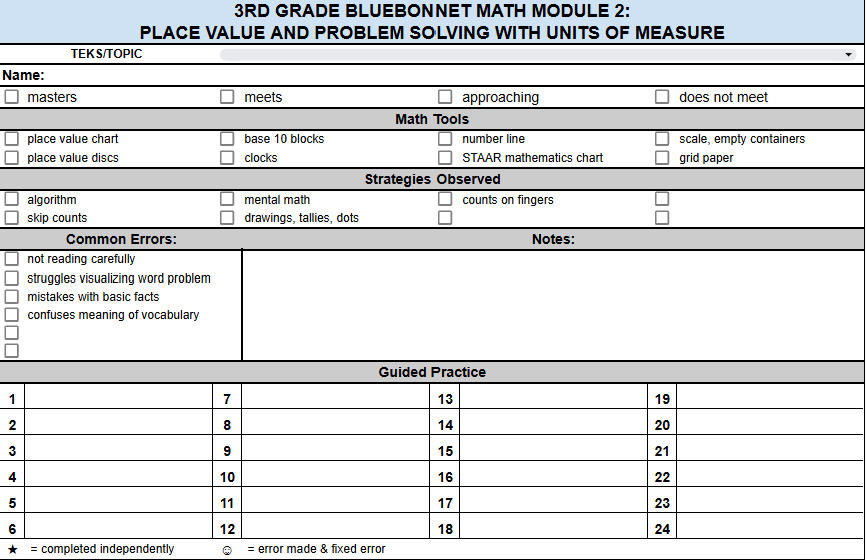
- Module 2: Place Value concepts. It also covers problem solving with units of measure.
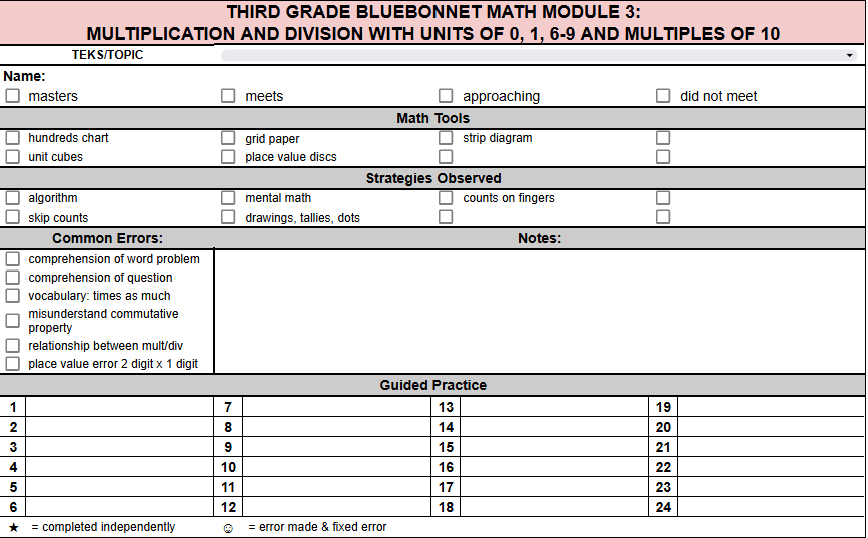
- Module 3: Multiplication & Division. This block focuses on units of 0, 1, 6–9, and multiples of 10.
- Module 4: Multiplication and Area math strategies.
- Module 5: Fractions as numbers. Students practice placing them on the number line.
- Module 6: Financial Literacy and data tracking.
- Module 7: Geometry and measurement word problems.
✏️ How to Prepare & Use in Your Classroom
Step 1: Simple Preparation
First, use the built-in drop-down menu within the Google Sheet to select your focus TEKS or math topic. Next, print the document. You will find that it is pre-formatted to neatly fit two student templates per page to save paper.
Step 2: Actionable Small Group Tracking
During your small group math rotations, keep this sheet handy to track real-time observations. Specifically, you can execute the following steps:
-
- First, check the boxes next to the specific math tools, strategies, and common errors you observe.
- Pro Tip: Pair this template with math task cards to eliminate “wandering eyes” and assess true, independent understanding.
- Next, mark a star next to the task card number if a student completes a problem independently.
- Alternatively, if a student struggles, draw a smiley face once they successfully finish the problem with your guided intervention, recording your exact observations alongside it.
Step 3: Track Performance Levels
Once your small group finishes practicing a specific skill, check the corresponding box to log the student’s mastery level based on Texas assessment standards. For instance, you can select:
-
- Did Not Meet
- Approaching
- Meets
- Masters
Step 4: Effortless Classroom Organization & Storage
To keep your records organized for the entire school year, begin by creating four distinct sections in a filing cabinet or storage box. Next, label them with each mastery tier (Did Not Meet, Approaching, Meets, Masters). Afterward, file each student’s paper record in its respective section for instant future groups.
Meanwhile, if you need to clean up your digital workspace, simply right-click any unused module tab in Google Sheets and select “Hide sheet.” Later on, you can quickly unhide them by clicking the three horizontal bars in the bottom-left corner.
Reviews
There are no reviews yet.