Effortless and Quick Lesson Planning: Reclaim Your Free Time!
teacheratheart.com
Lesson Plans
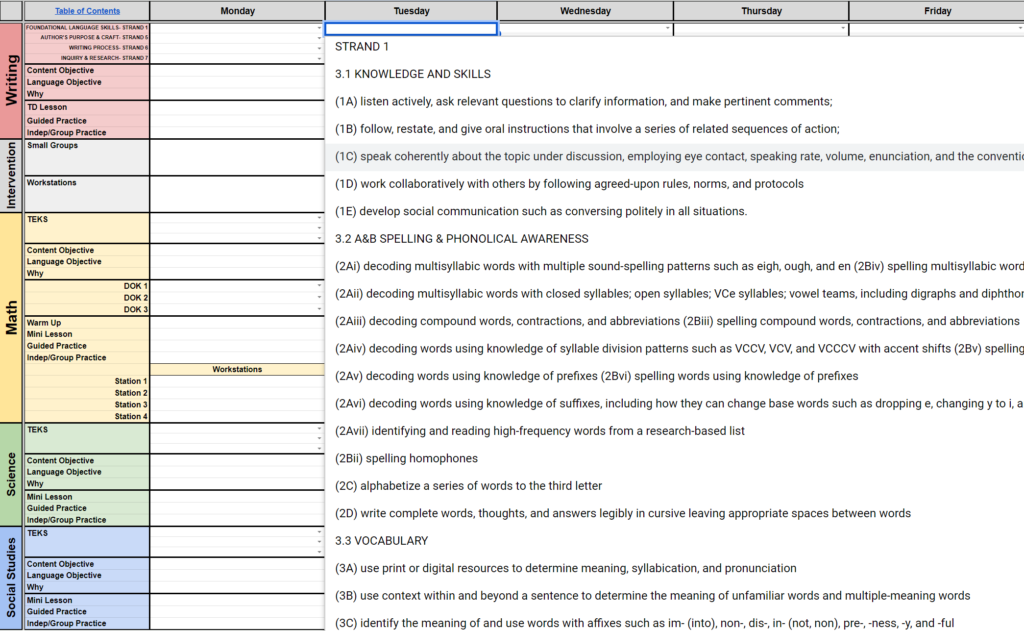
Are you looking to make your lesson planning effortless? This time-saving Google Sheets lesson plan template expedites your planning, so you can have more personal time.
Drop-down menu to choose the exact standard instead of typing it.
Quickly add Depth of Knowledge (DOK) question stems using the drop-down menu.
Add links to digital resources & websites you are going to use in order to access them quickly when you need them!
On the Template, type plans that will repeat weekly, then duplicate the tab for each week. Rename the tab, then type your lessons and share with your administrator.
Copy content from one cell to another quickly!
Lesson Plans are available for grades K-5. I have state specific templates for Texas TEKS & States that use the Common Core Standards (CCSS). Included in the planner is this lesson plan template.
Digital Planner
Are you looking for something to consolidate all of your digital forms? This planner is your one stop shop. Everything you need, all in one place!
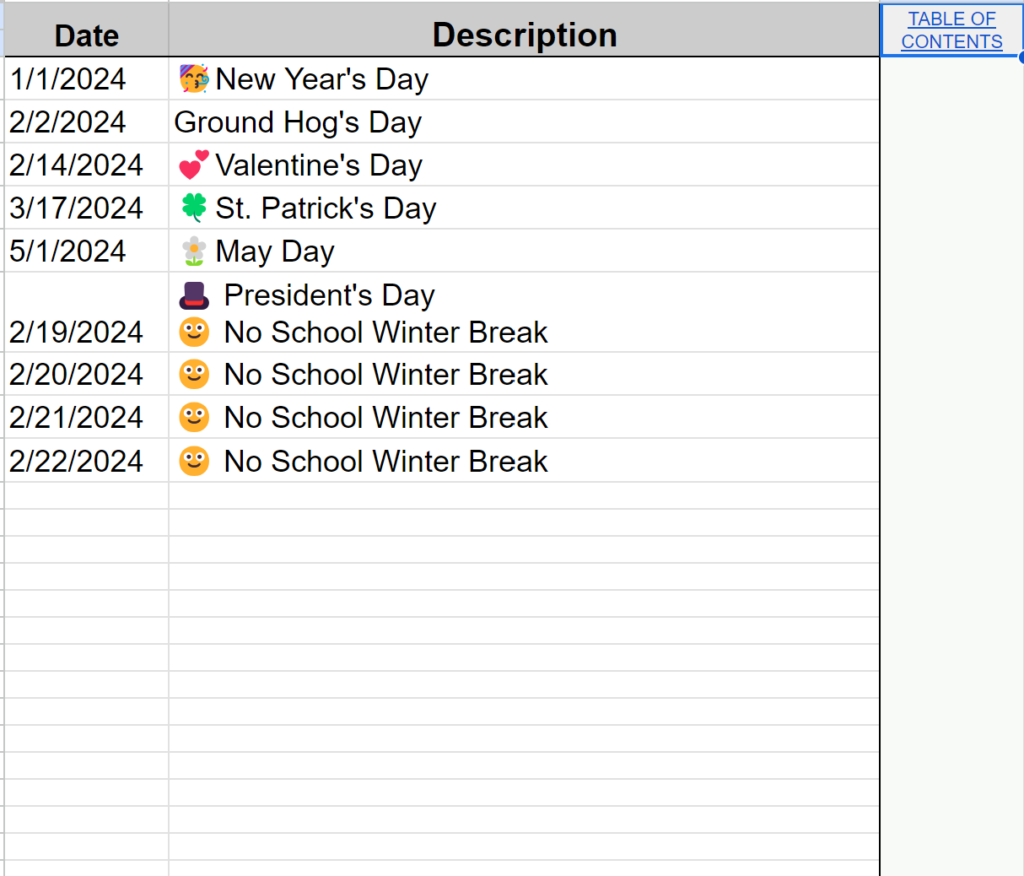
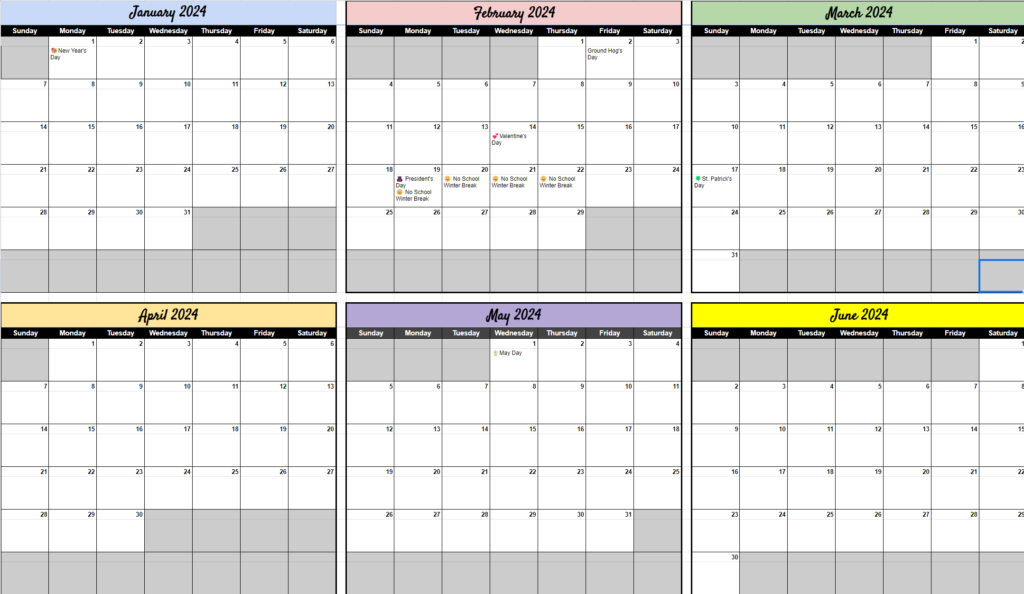
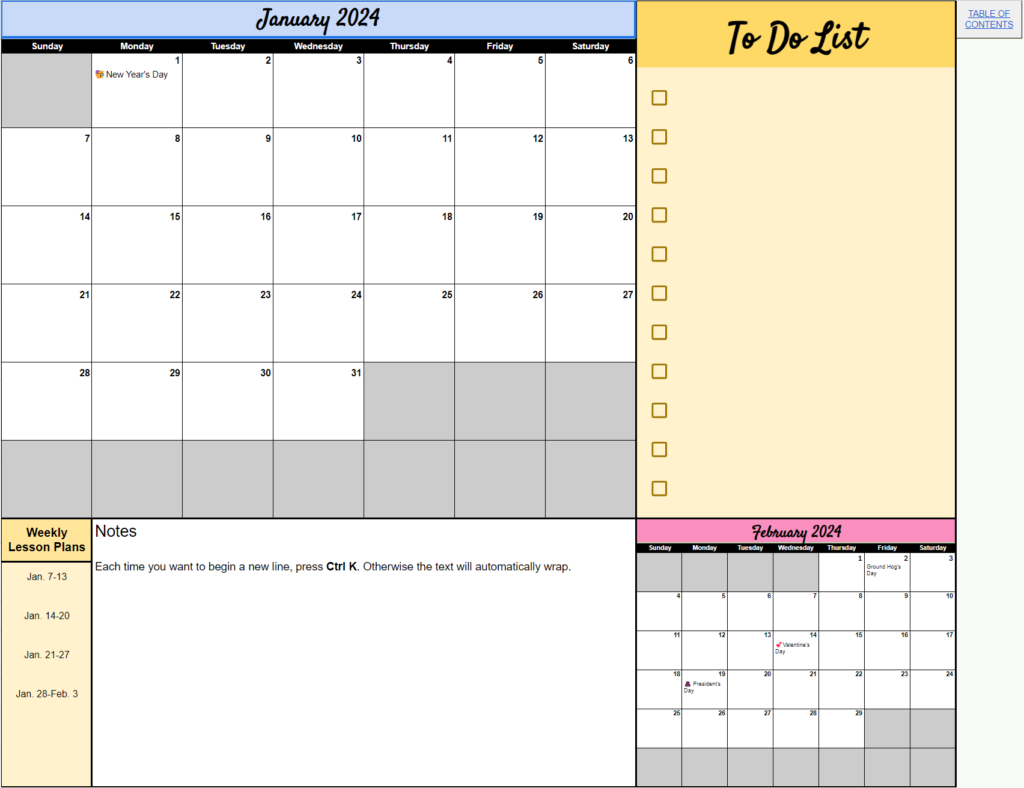
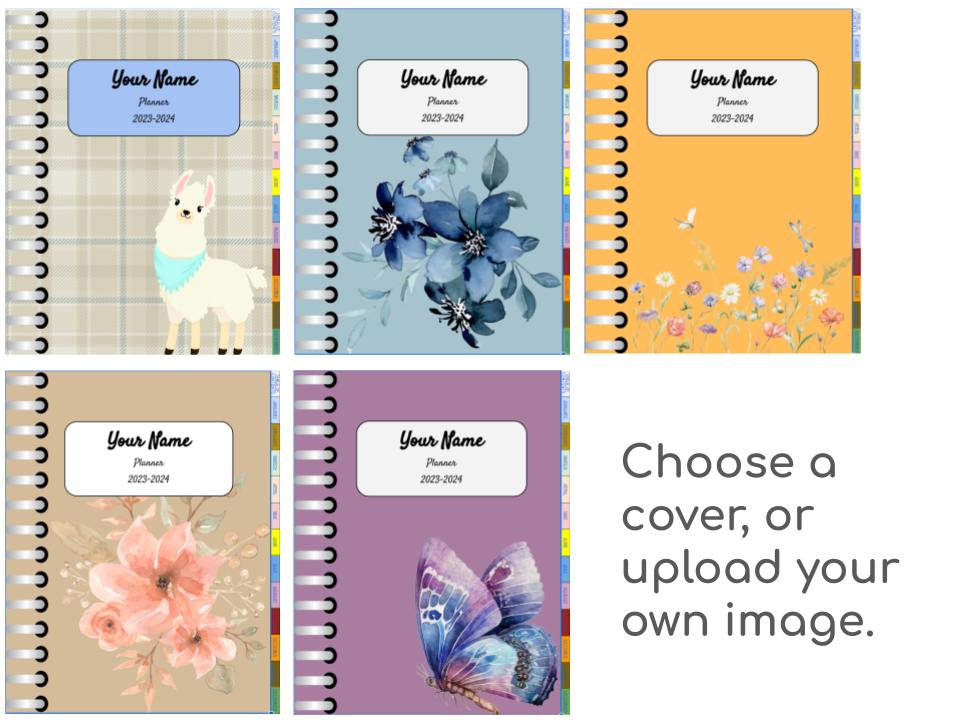
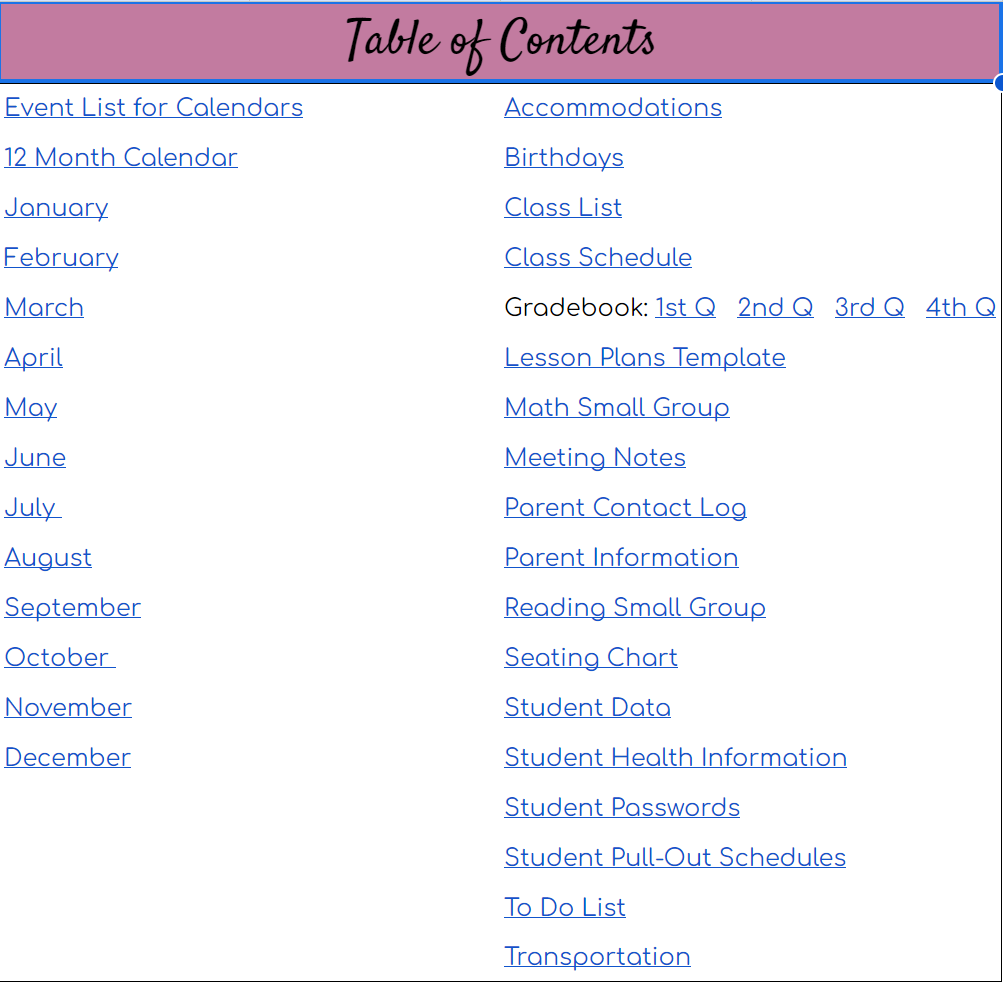
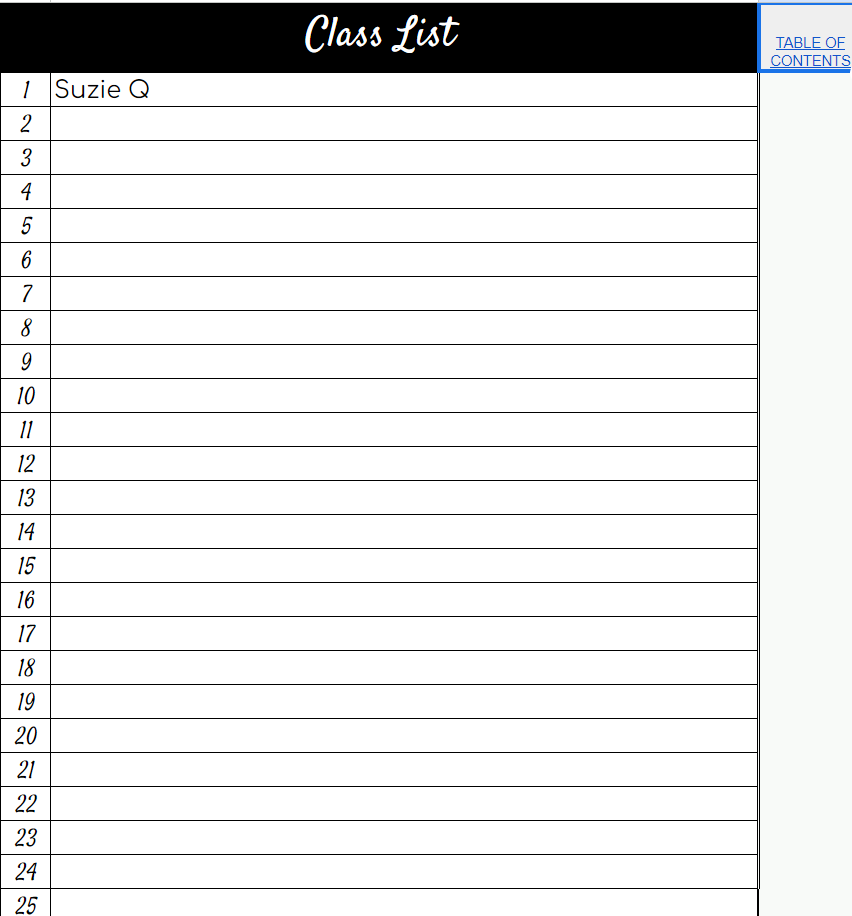
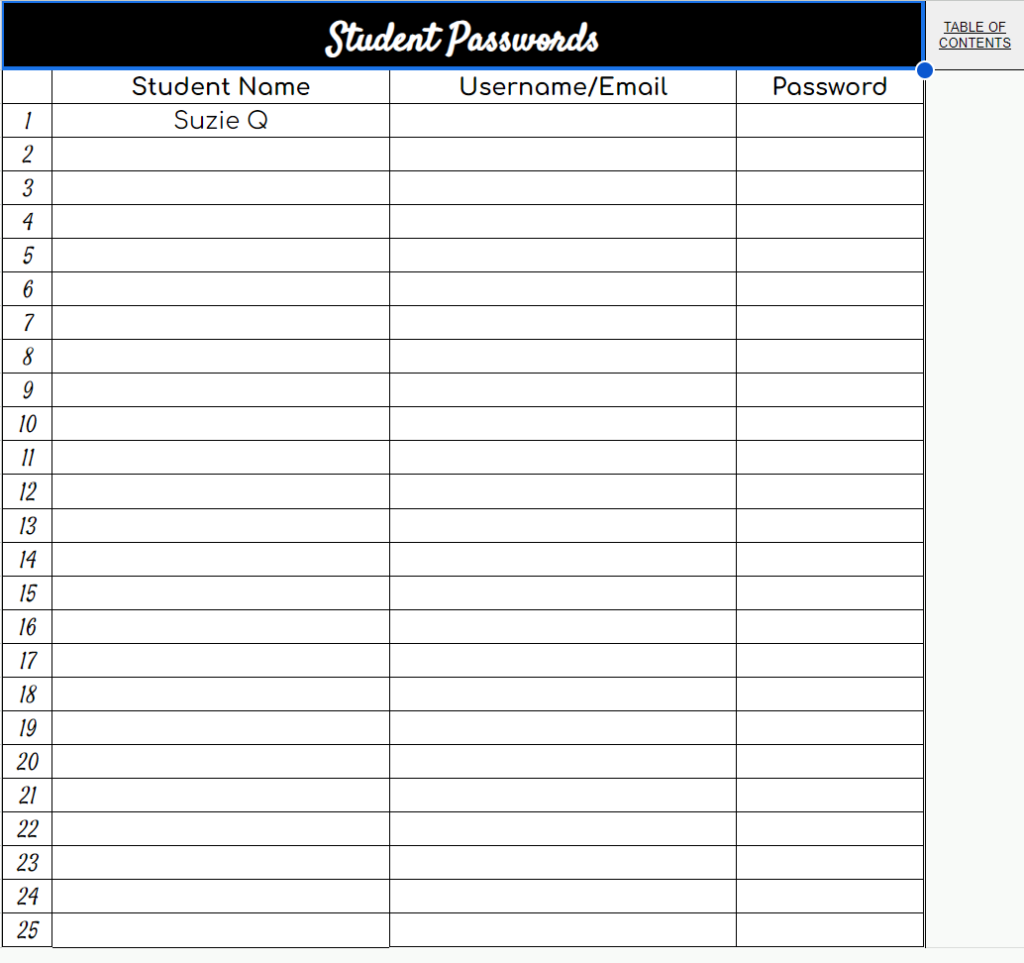
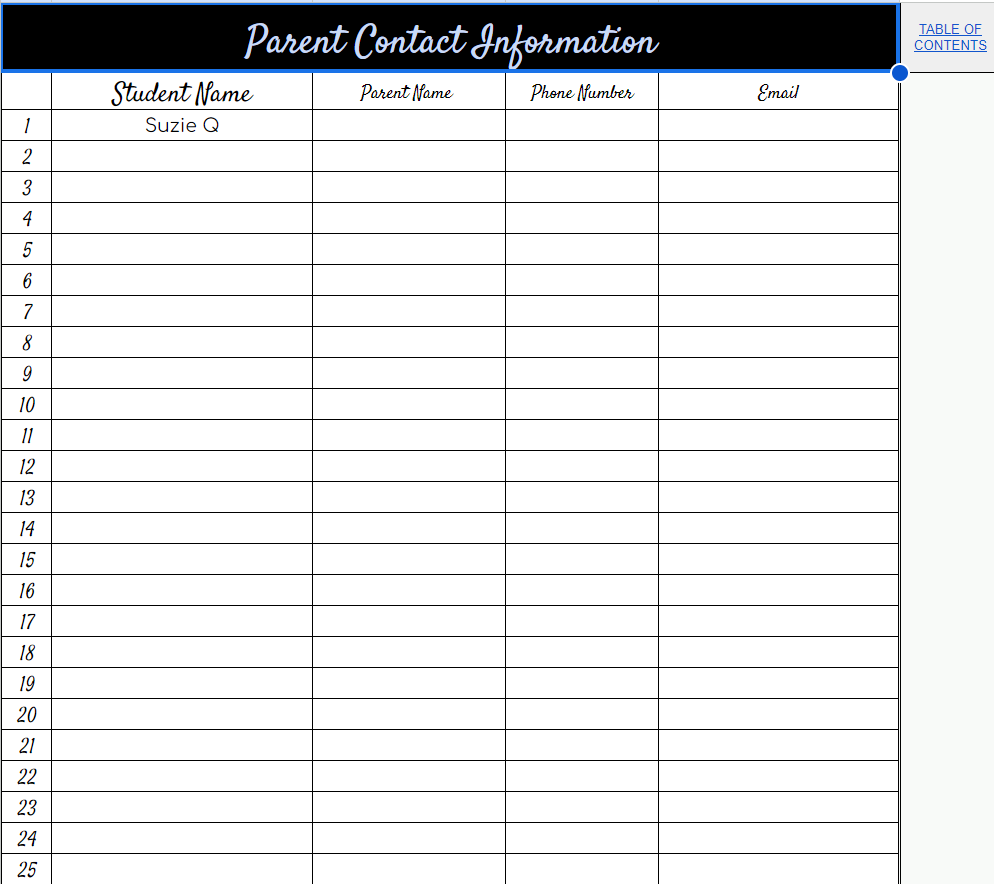
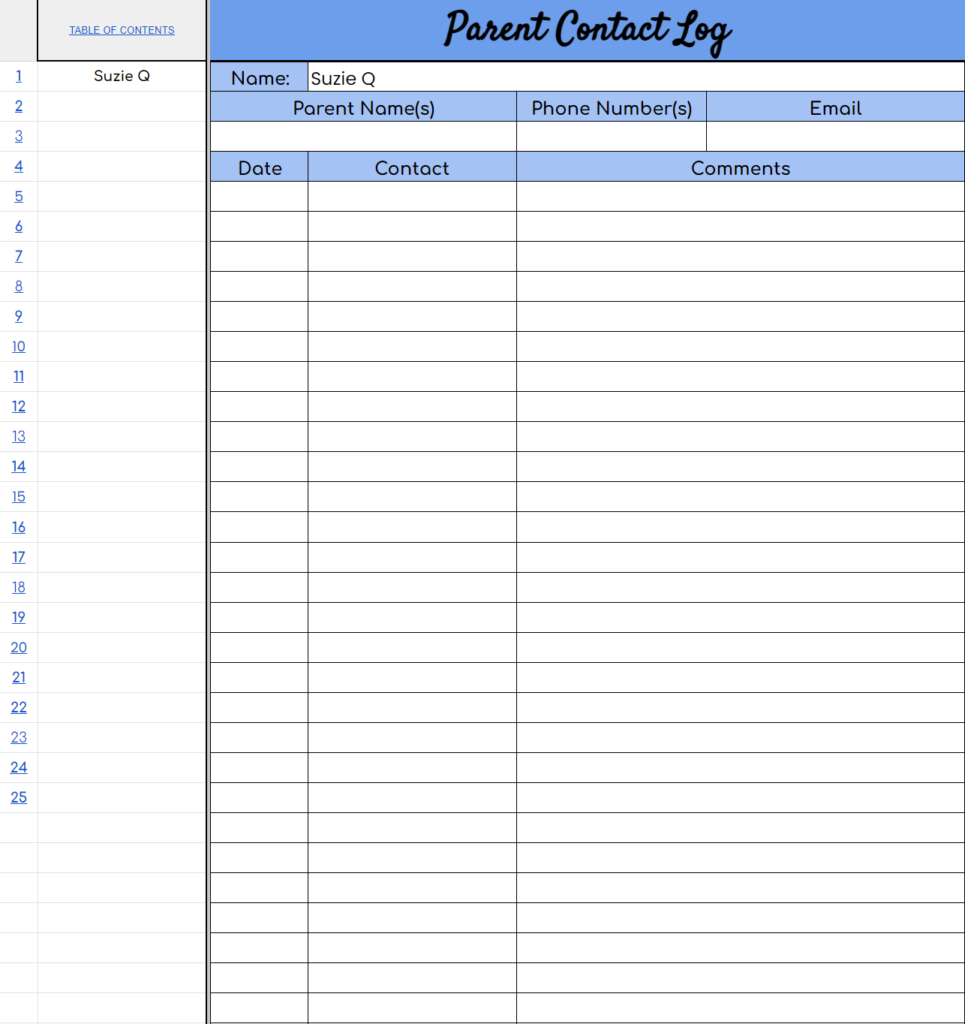
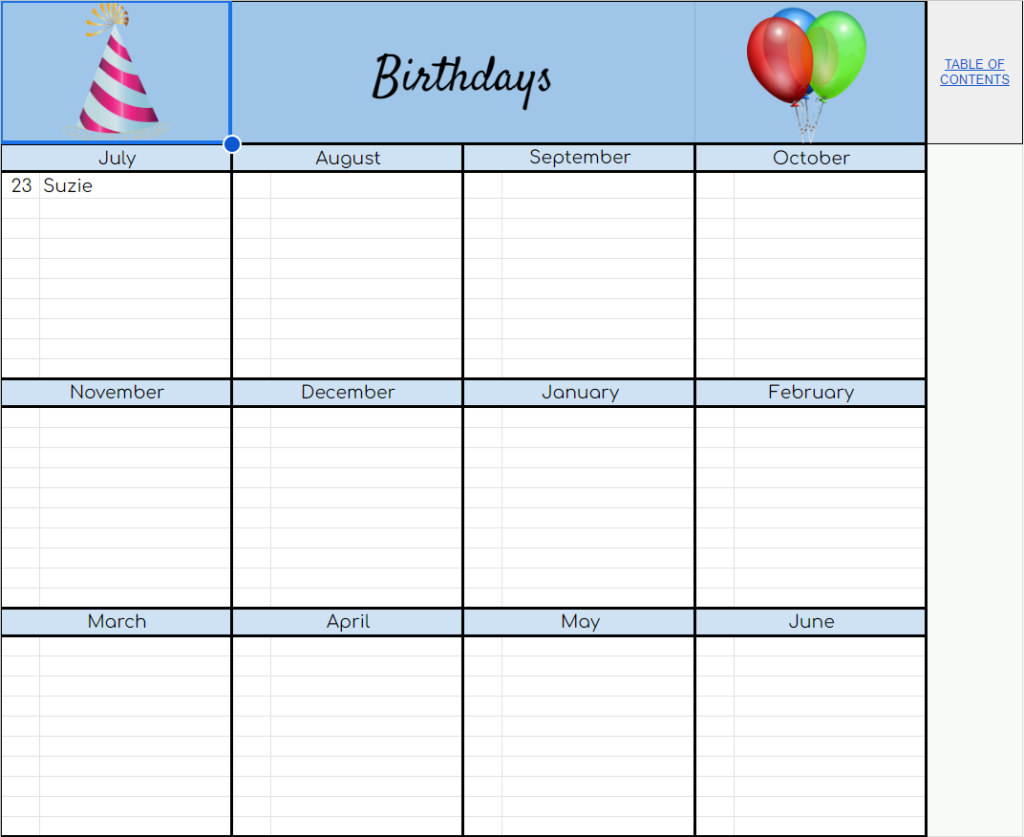
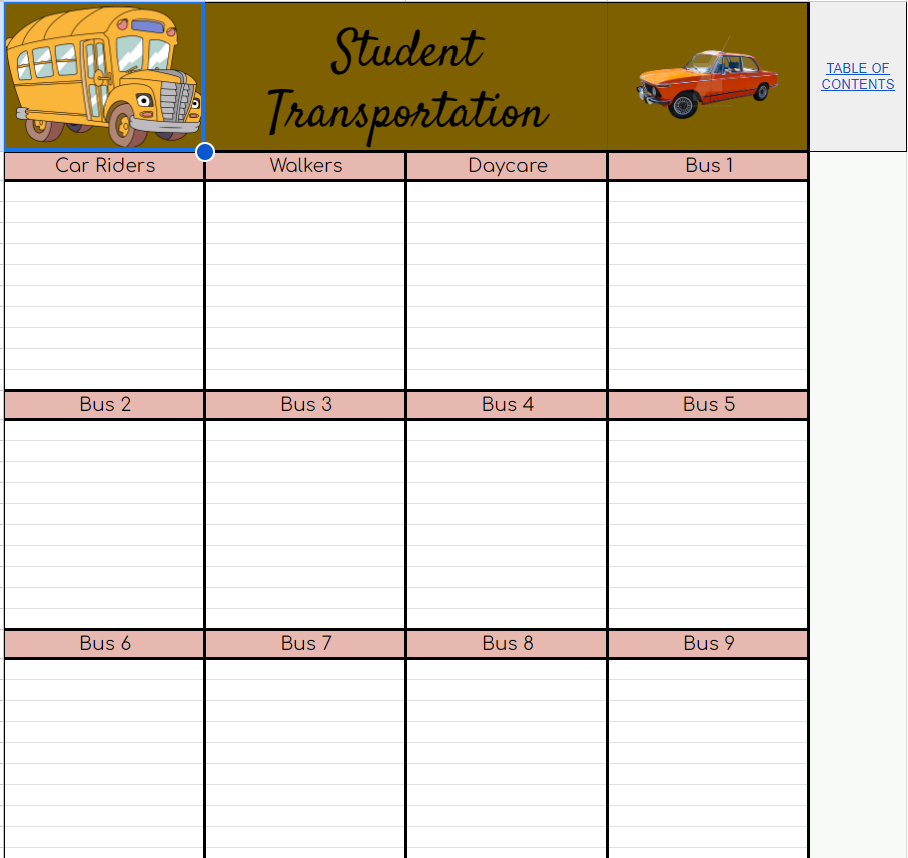
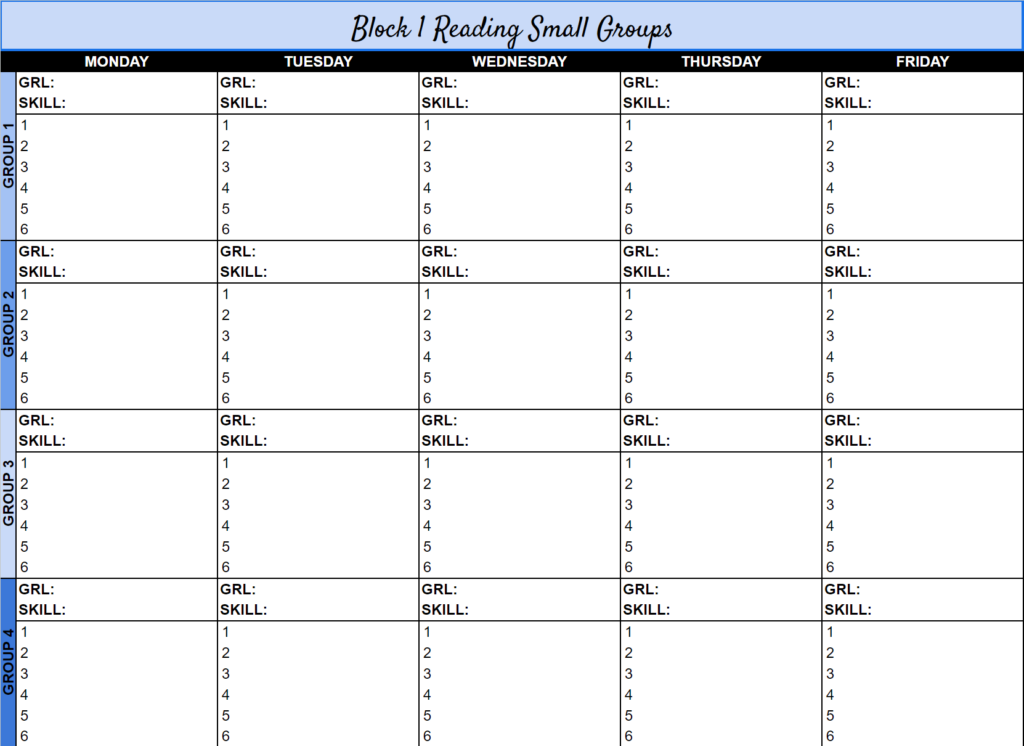
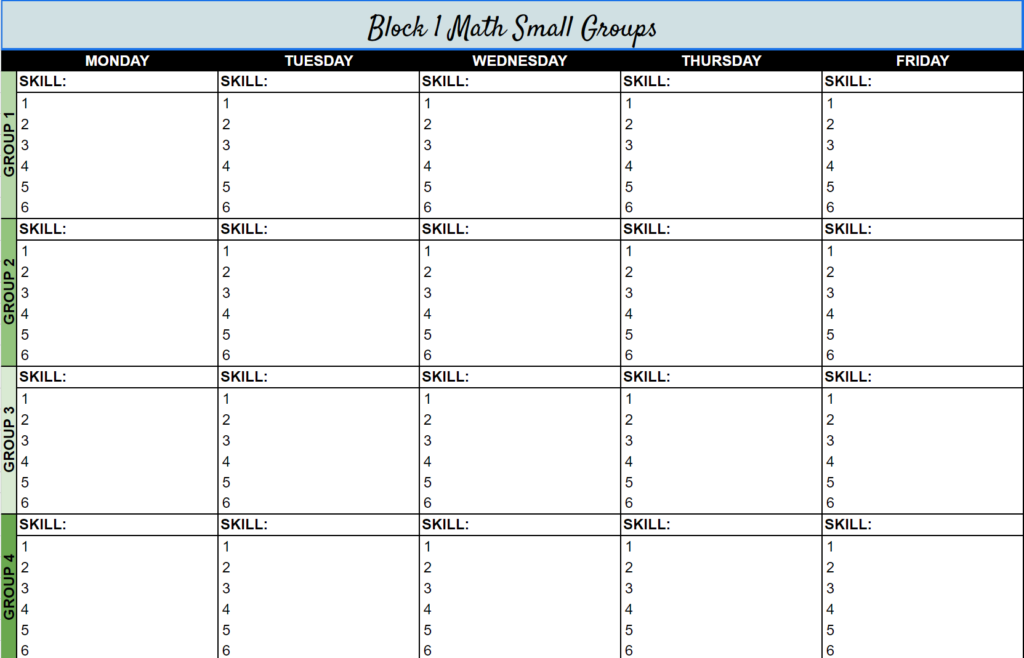
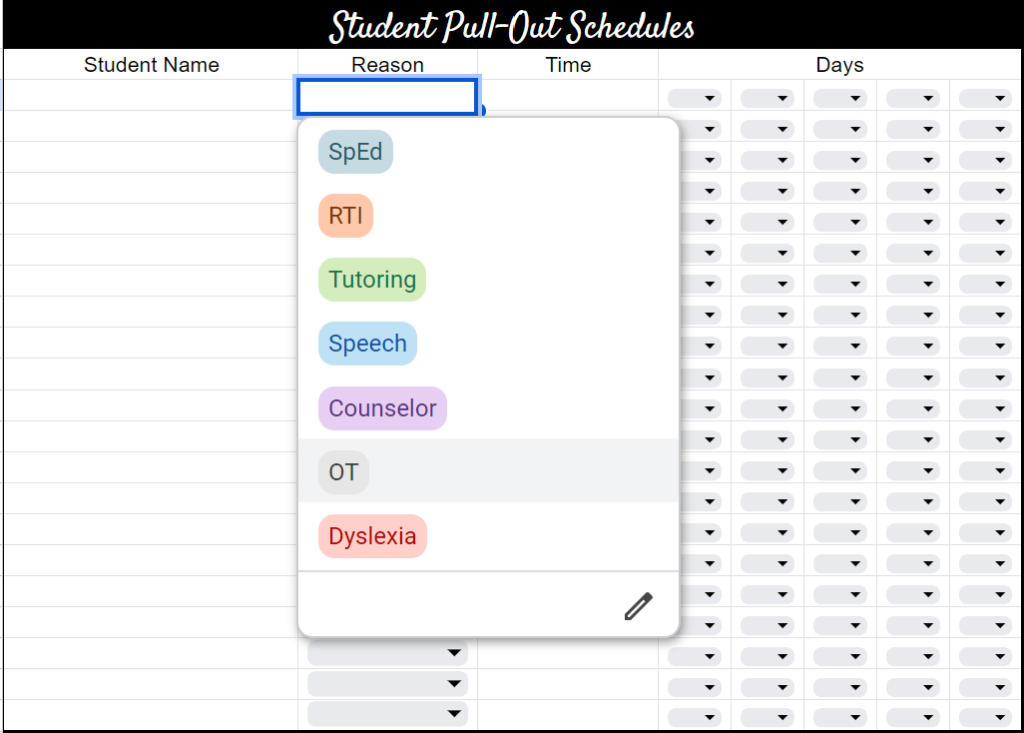
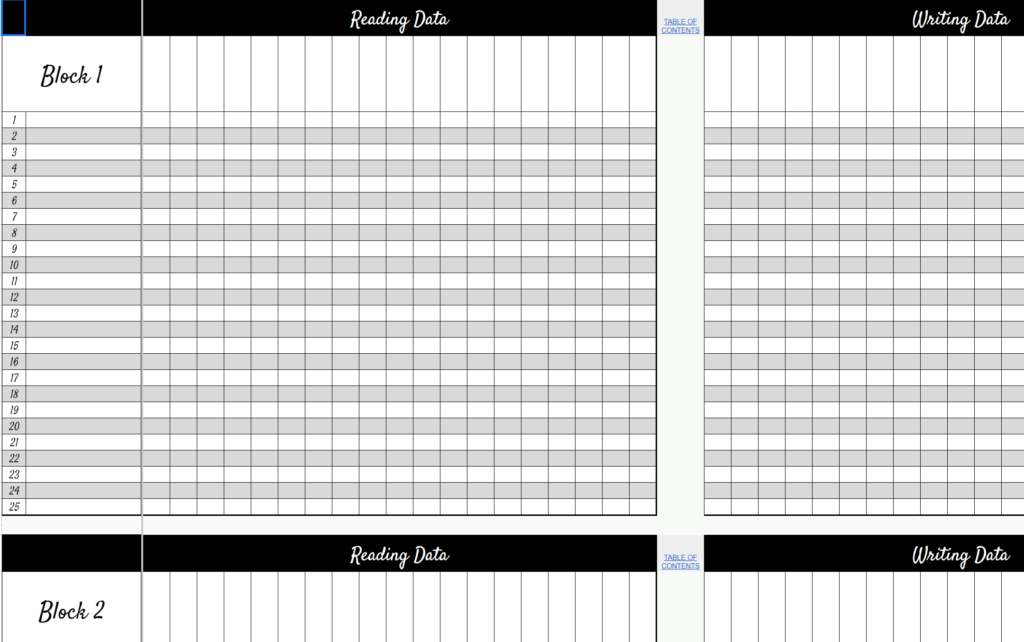
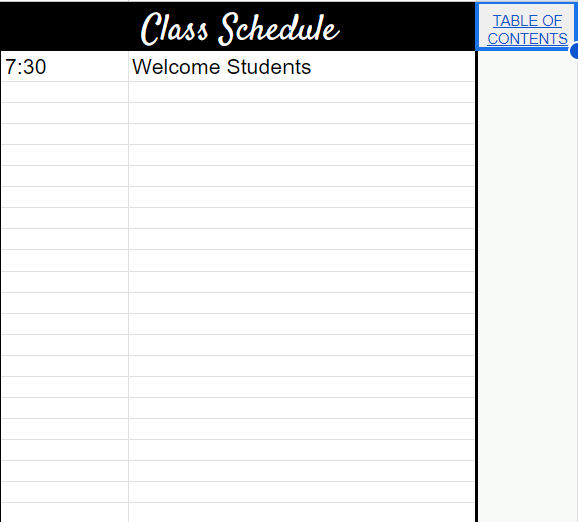
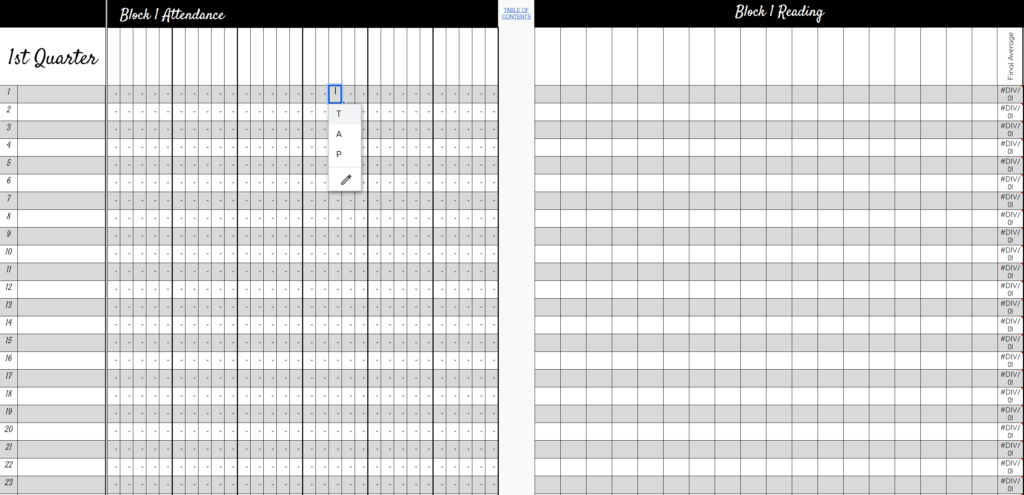
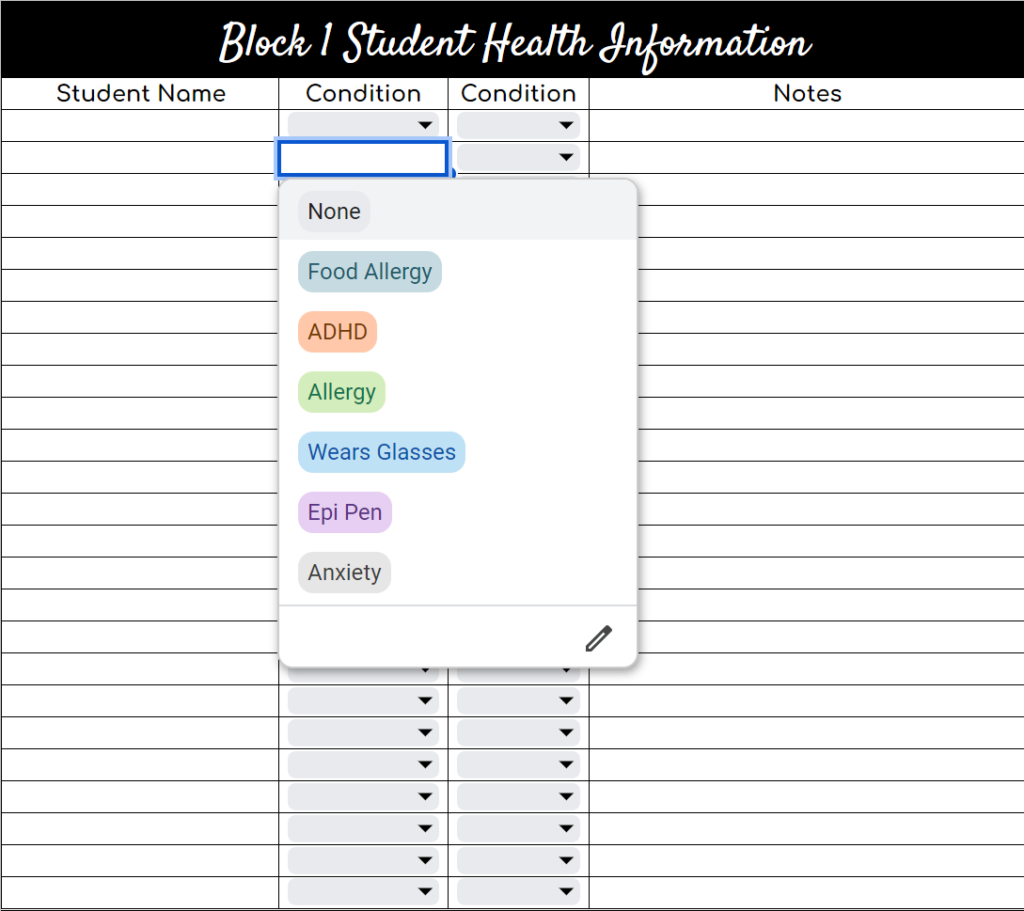
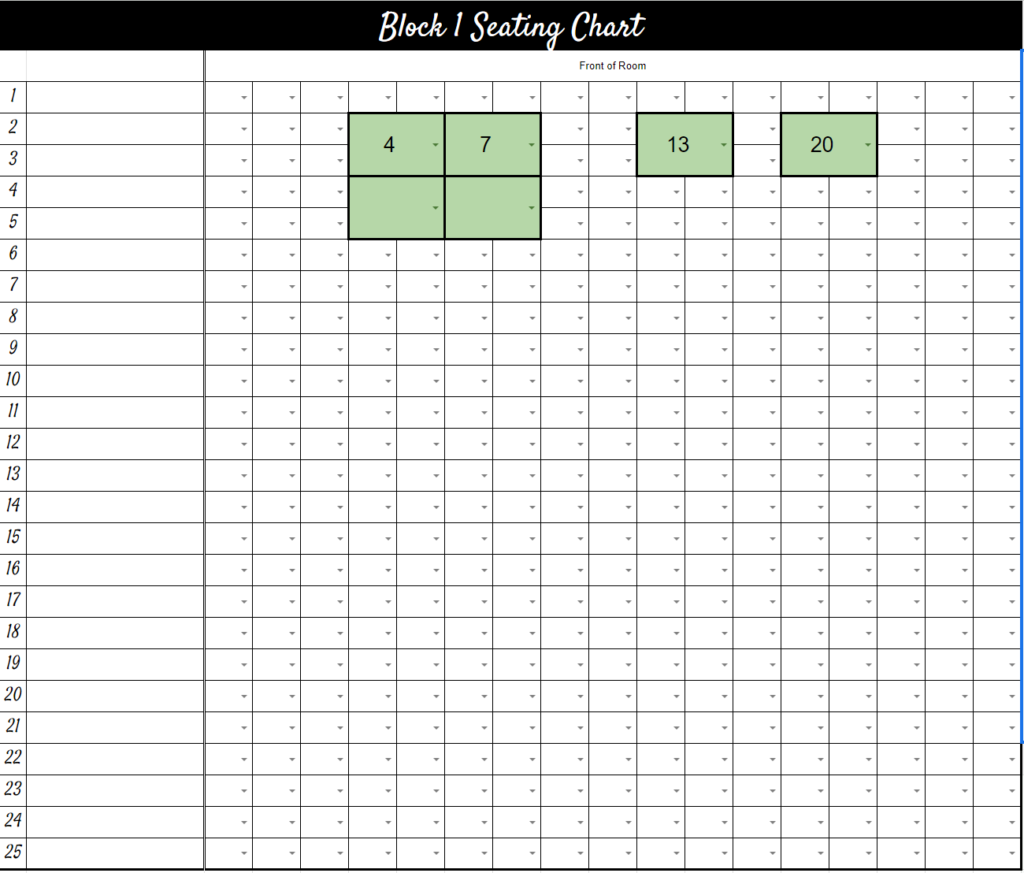
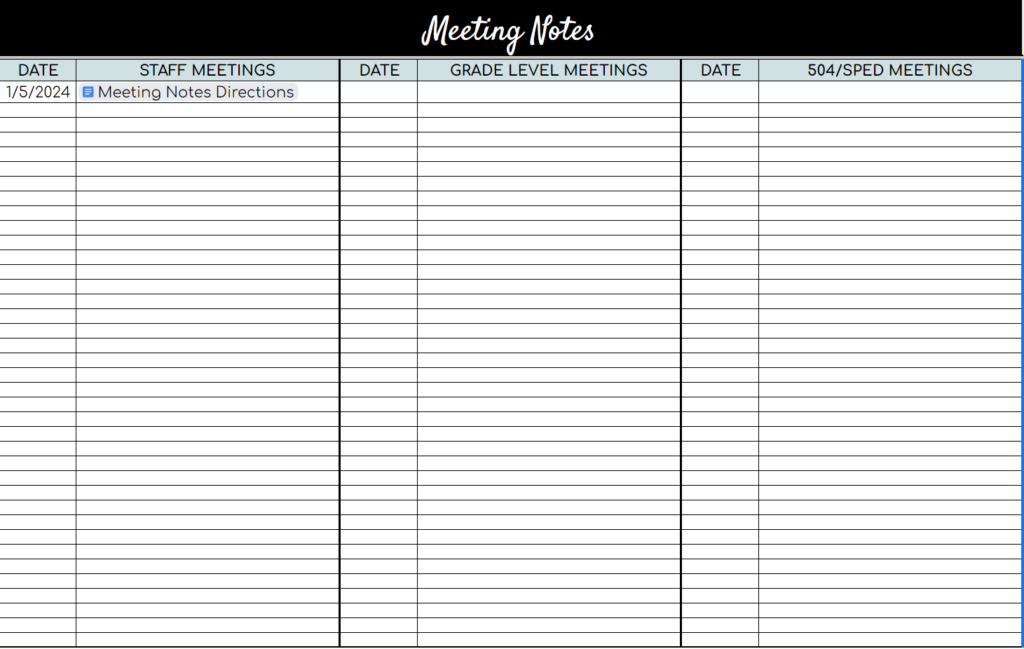
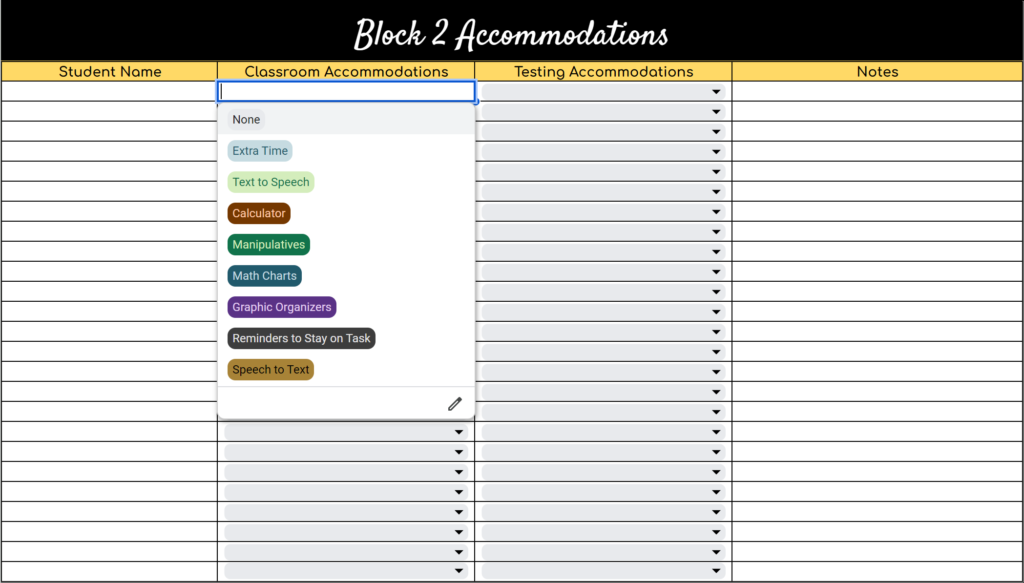
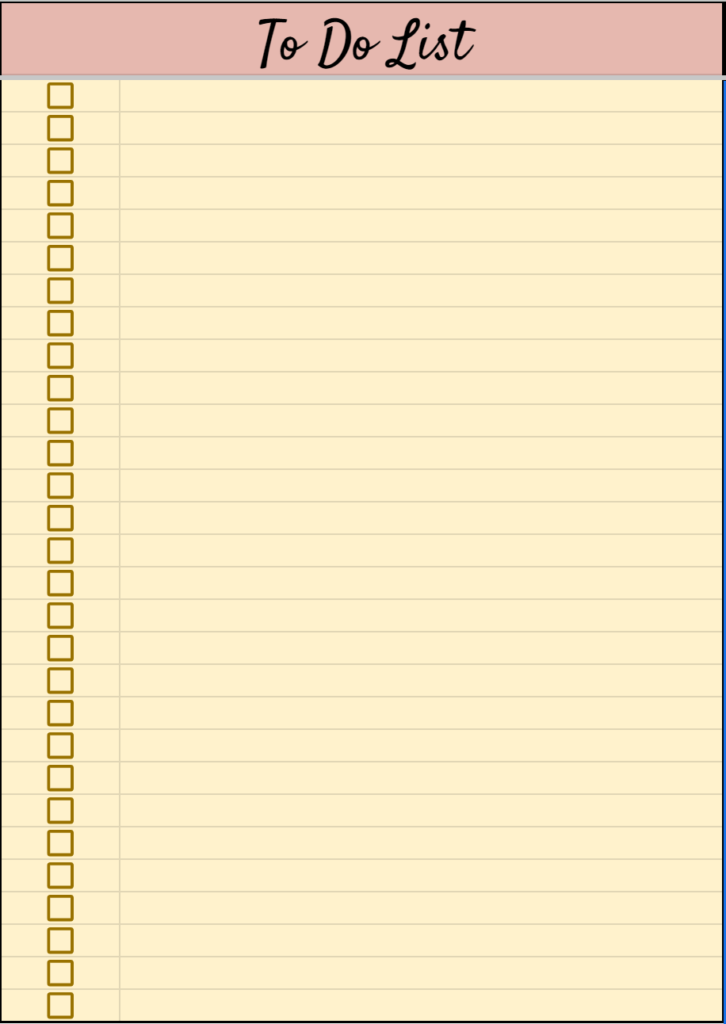
After typing each event on the event list, they automatically appear on ALL of the calendars. Be sure NOT to type on the actual calendars. You will overwrite the formulas and then it will no longer work.These Dynamic Calendar makes it easy to add events. There is a 12 month calendar, and monthly calendars. Each monthly calendar also gives you the opportunity to see what is happening the next month. Choose from 5 different coversClick on the hyperlink to quickly access each page.Type student names. 3 different blocks of classes included.Student names are automatically added after the class list tab is complete. Fill in the student usernames and passwords so you have them handy in case they forget!Names are automatically filled in once the class list tab is completed. You fill in the parent information. There are 3 copies, one for each block of students.Everything is automatically filled in after the parent information tab is completed. There are 3 if you teach more than one class of students. Click on the number to the left of the student’s name then you will be be taken directly to that student’s parent contact sheet.Type in the names of each student and then the date of their birthday.Edit bus numbers, daycare, etc…, then add student names.Fill in reading level, title of book, reading skill, and student names.Fill in the skill you plan on teaching for each group and student names.Type student names, choose reason for pull out (these can be edited by clicking on the pencil). Type the time the student is pulled, and use the drop-downs to choose which days they are pulled.Student names are automatically added once the class list tab is completed. Keep track of any testing data you need. There are 5 subjects for each of 3 different blocks.Type out your daily schedule.Student names are automatically added when you complete the class list tab. use the drop-down to take attendance. Add the dates at the top. The grade book averages the final grade. Just type in the assignments and grades.Names will be automatically filled in once the class list tab is complete. Use the drop-down to add health conditions. The drop-down choices can be easily edited by clicking on the pencil. Type any notes.Student names are automatically added. Use the drop-downs to choose the number of the student you would like to add. You can merge cells, and fill in colors any way you wish.Link Google Doc Meeting Notes so they are all in one place!Names are auto filled. Use the drop-downs to add student accommodations.I added a tab for a To Do List if you would rather have all of your tasks in one place.
Start saving time today! Head on over to my TPT Store to get your very own copy!